Cash is becoming outdated for vending. These days, almost no one carries coins, and a machine that only takes them as payment loses a sale every time someone walks away empty handed.
Modern problems naturally require modern solutions. That’s where a card reader comes in and fixes that. However, picking one takes more thought than most people expect. It has to suit your machine and behave properly when a transaction goes sideways. Here’s how these readers work and what to check before you buy.
What Is a Vending Machine Card Reader?
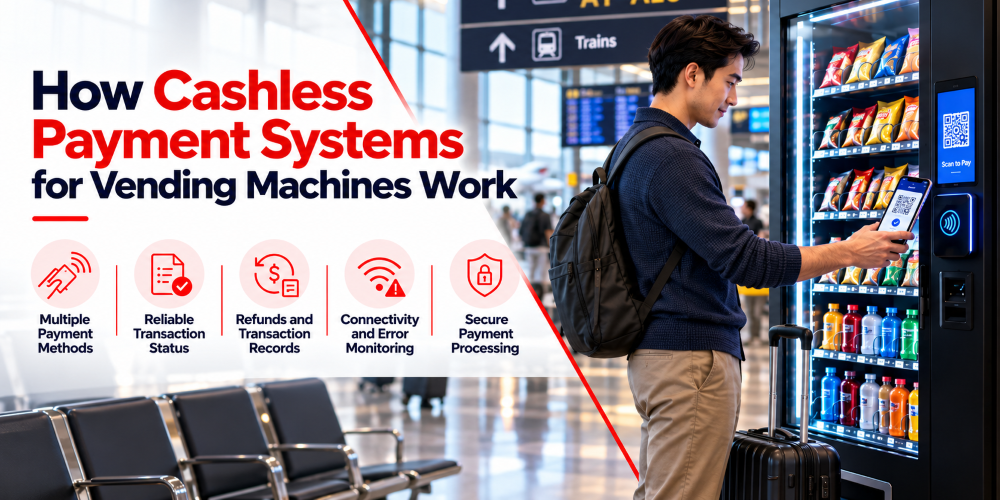
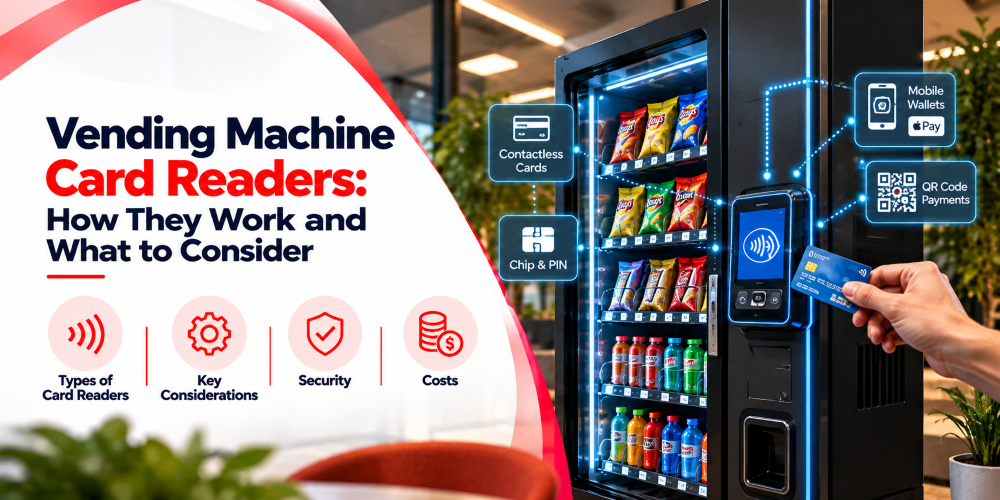
It’s the payment device that lets customers buy with a debit or credit card. Many models also take contactless payments from phones and smartwatches. If you’ve ever used a vending machine with card reader support, you’ve seen the basic idea: pick a product, tap or insert your card, and the item drops once the payment goes through.
Three things work together behind that. The reader deals with the customer’s payment. A payment provider processes the transaction. The machine controller runs the machine and releases the product once it gets confirmation.
For customers, it’s easy. For operators, it means less cash to collect and a smoother experience for people who rarely carry coins. Not every reader works with every machine or supports every payment method, though, so check compatibility first, especially when upgrading older equipment.
How Does a Vending Machine Card Reader Work?
A card payment takes a few seconds, but the reader and machine have to stay in sync the whole way through.
Starting a Payment
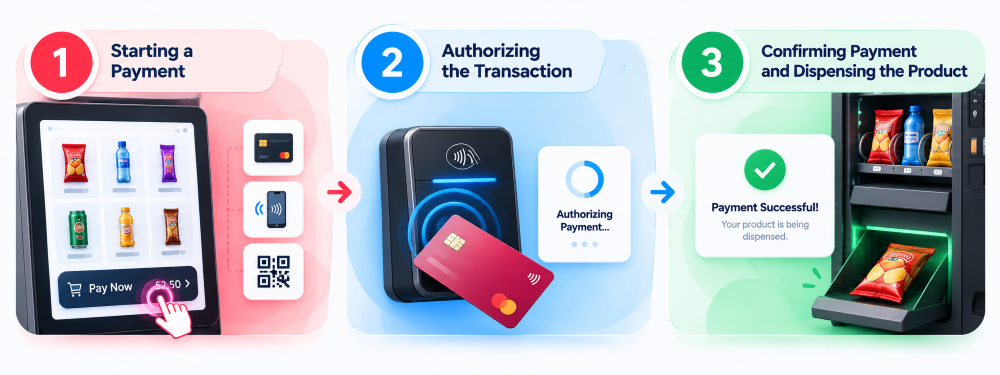
The customer picks a product, and the machine works out the price. The controller passes that amount to the reader, which tells the customer what to do next. That might be tapping a card, inserting a chip card, or holding up a phone.
The machine has to remember which product was selected and what it costs. That way the customer is charged the right amount for the right item.
Authorizing the Transaction
Once the customer presents a card, the reader sends a request to the payment provider. The provider comes back with an approval or a decline. A decline usually means trying another card. An approval lets the machine move on to dispensing.
An approval doesn’t mean the money is in your bank account yet. Authorization and settlement are separate steps, and settlement follows the provider’s own schedule. Fees and refunds can change the final amount too. This matters when you compare sales reports with bank deposits, particularly across several machines.
Confirming Payment and Dispensing the Product
With approval in hand, the controller lets the mechanism release the product, and the system records the sale and its outcome.
Sometimes it doesn’t go to plan. A product jams, a slot is empty, or something mechanical fails after the payment clears. You then need a way to look into the transaction and sort out the customer’s money. Depending on the status, that could mean releasing an authorization, reversing the payment, or issuing a refund.
The exact process depends on your provider and machine setup, so ask how the reader handles failed dispensing and slow responses before you choose. A good setup also stops a customer being charged twice just because they tried again while the first payment was still pending.
What Types of Card Readers Do Vending Machines Use?
Readers differ in how customers pay and which methods they accept. The right pick depends on your market, your customers, and what your machine can support.
Contactless Card Readers
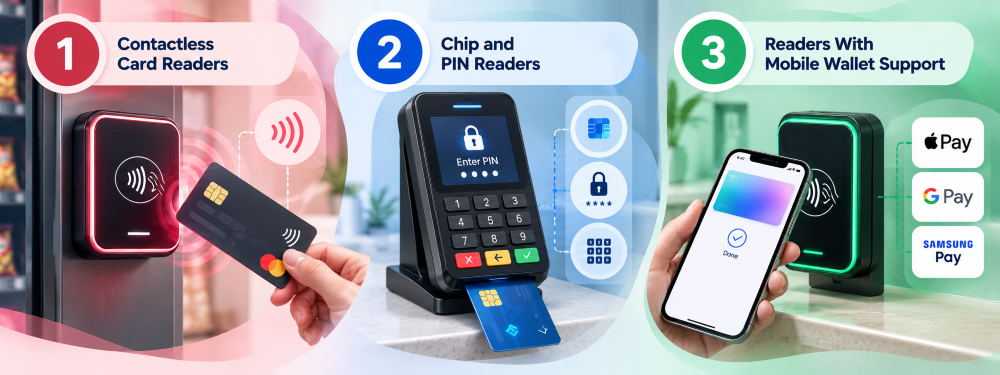
Customers tap a supported card on the reader, and the payment goes through without inserting anything. It suits quick purchases like a drink on a work break or a snack in a waiting room, since nobody needs exact change.
You’ll collect less cash from the machine. Transaction fees still apply, and the terminal has to support the card networks your customers use.
Chip and PIN Readers
These take compatible cards through a chip interface, and customers may need to enter a PIN depending on the terminal, the card, the amount, and local rules. They make sense in markets where chip cards are the norm.
Not every vending terminal supports chip insertion or PIN entry, and some setups are built mainly for contactless. Confirm what the terminal actually does instead of assuming all readers offer the same features, and think about whether the extra steps suit the quick purchases people make at your machine.
Readers With Mobile Wallet Support
Some readers also accept payments from phones and smartwatches through services like Apple Pay and Google Pay, as long as the reader, device, card, and service all support it. The customer holds their device near the reader, the wallet supplies the payment details, and the terminal and provider handle the rest.
That’s handy for people who often leave their wallet behind, and you don’t need a separate device for every payment method. Check that the specifications explicitly list the wallets you want to accept, because support varies by terminal model, provider, and country.
What Should Operators Consider When Choosing a Vending Machine Card Reader?
A reader can look perfect on paper and still be a poor match for your machine. Check the technical details, the costs, and the everyday features before you buy.
Machine and Controller Compatibility
Start with the controller. The reader needs a compatible way to receive the price and send the payment result back. Some readers work with many vending machine models. Others need particular controllers, connectors, or extra hardware. Older machines may need an adapter or some integration work before they can take cashless payments.
Think about the physical side too. The reader has to mount securely, stay easy for customers to reach, and work with the power and connectivity you have. If you’re upgrading existing equipment, give your supplier the machine’s make, model, and controller details and ask for a compatibility check. That beats buying a card reader for vending machine use based on looks or a vague promise that it works with vending machines.
Supported Payment Methods
Think about how customers at each location prefer to pay. An office building may be full of people who use contactless cards and wallets all day. Another site may have different habits.
Check which card networks, contactless methods, chip functions, and mobile wallets the reader supports. If your market has popular local payment services, confirm the provider offers them. You don’t need to pay for features nobody will use, but offering too few options makes buying less convenient. Cover what matters at your locations without overcomplicating the setup.
Connectivity and Transaction Reliability
Most readers need a network connection to reach the payment provider. That might be WiFi, Ethernet, or cellular. Check signal quality where the machine will sit. A reader that works well in an office may struggle in a basement or a remote building.
Ask what happens when the connection drops mid purchase. The system should handle declined, delayed, and interrupted payments clearly, and it shouldn’t treat an unknown status as a confirmed sale. Some terminals offer limited offline payments, but that isn’t available everywhere and can carry restrictions or risks. Understand those limits before you count on it.
Fees and Settlement
Payment costs eat into the profit on every sale. Depending on the provider, you might pay a per transaction fee, a percentage of the purchase, a monthly service charge, or other terminal fees.
Find out when and how the provider pays out, and how refunds, reversals, and disputed transactions show up in your reports. A machine might log $1,000 in approved sales, yet the deposit in your account comes in lower after fees and refunds. Knowing how that gets reported makes reconciling much easier.
A cheap reader isn’t always the cheapest choice over time. When you compare any credit card reader for vending machine setups, add up hardware charges, monthly fees, transaction rates, and support costs.
Can You Add a Card Reader to an Existing Vending Machine?
Plenty of older machines can be upgraded to take card payments. Whether yours can depends on its controller, the available connections, its physical design, and what the payment hardware needs.
Some upgrades are easy. A compatible reader plugs into the existing controller, and you add cashless payments without replacing the machine. Others need an adapter, a controller upgrade, or extra integration work. An older machine may also lack support for payment functions or remote monitoring that you’d like to have.
Before you buy, confirm the machine’s model and controller type with your supplier. Ask whether the upgrade needs more hardware or any recurring fees. If you want to keep cash as well, check that the reader plays nicely with the existing cash system. A good upgrade can stretch the life of equipment you already own, but only when the cost and compatibility add up.
How Do Card Readers Integrate With Vending Machine Software?
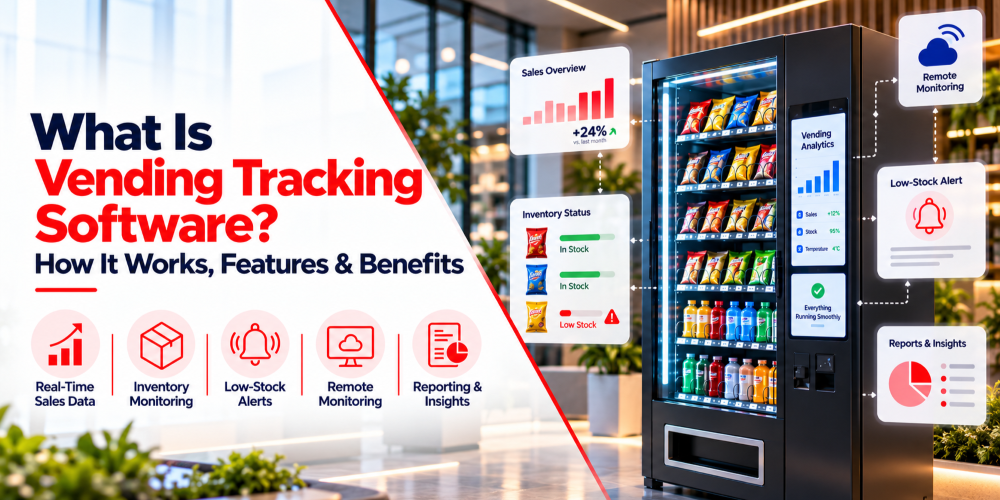
A reader can process payments by itself, but connecting it to vending management software shows you how payments affect the wider business.
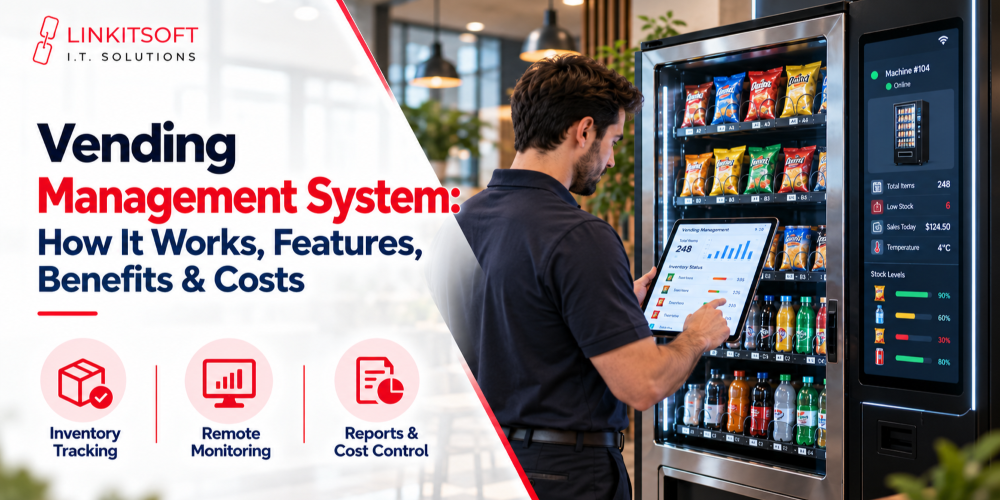
The reader and provider keep the transaction data, and the controller handles selection and dispensing. Depending on the integration, transaction records and device status can flow into your management software. You can then review sales by machine, compare totals, and spot readers that are offline or throwing repeated errors. If the platform tracks inventory as well, sales data helps with restocking and with comparing products across locations.
Picture machines in several office buildings. One suddenly records fewer sales. With reports in front of you, you can tell whether demand dropped or the payment terminal stopped responding, before anyone makes a trip.
What you get depends on the reader, provider, controller, and software. Some providers offer ready made integrations. Others need custom development or extra configuration. Confirm which records and monitoring features are really available before you commit, particularly if you’re buying a vending machine credit card reader to roll out across a whole fleet.