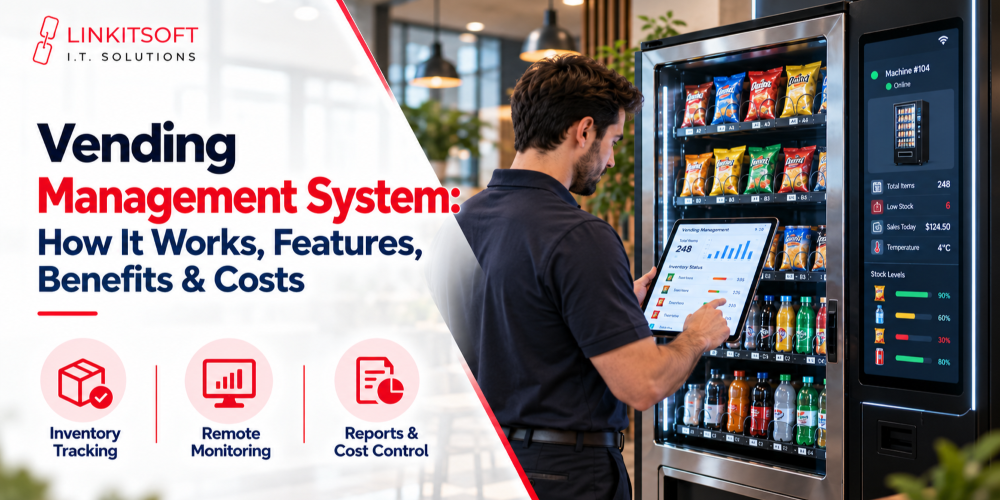
Managing vending machines can be challenging, especially when tracking inventory, sales, maintenance, and restocking across multiple locations. Missed refills, machine downtime, and unnecessary visits can lead to lost sales and higher operating costs.
A vending management system (VMS) simplifies these operations by centralizing inventory tracking, sales reporting, machine monitoring, and restocking management.
This guide explains how vending management systems work, their key features, benefits, costs, and how to choose the right solution for your business.
What Is a Vending Management System?
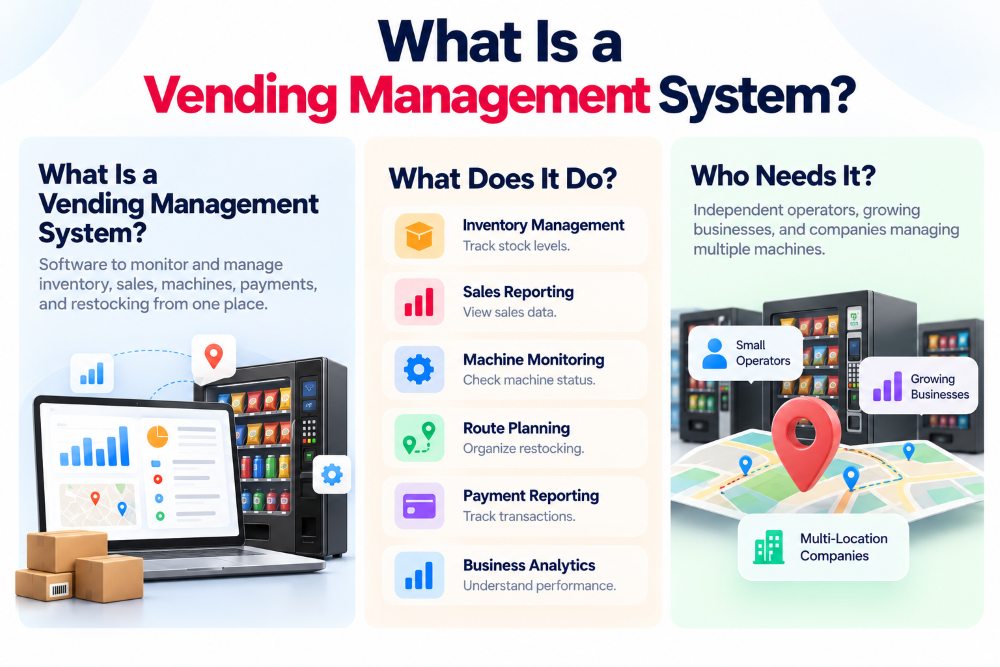
A vending management system (VMS) is software that helps businesses monitor and manage inventory, sales, machine performance, payments, and restocking across multiple locations.
Instead of relying on spreadsheets and manual inspections, operators can use a centralized dashboard to track operations, identify issues, and make informed decisions. This simplifies daily management and supports business growth.
What Does Vending Management Software Do?
Vending management software helps operators coordinate their daily business activities.
Its main functions may include:
- Inventory management: Tracks product quantities and identifies items that need replenishment.
- Sales reporting: Organizes sales records and helps operators evaluate machine performance.
- Machine monitoring: Displays available machine information and supported fault notifications.
- Route planning: Helps organize restocking and service visits.
- Payment reporting: Consolidates available cash and cashless transaction information.
- Business analytics: Provides insights into product demand, sales trends, and operational performance.
The exact capabilities depend on the software provider, connected equipment, and supported integrations.
Who Needs a Vending Management System?
Vending management systems are useful for independent operators, growing vending businesses, and companies managing machines across multiple locations.
Small operators may benefit from inventory tracking and organized sales records. Larger businesses often need advanced route planning, centralized machine monitoring, employee access controls, and reporting across their entire fleet.
The more machines and locations a business manages, the more important accurate operational information becomes.
How Does a Vending Management System Work?
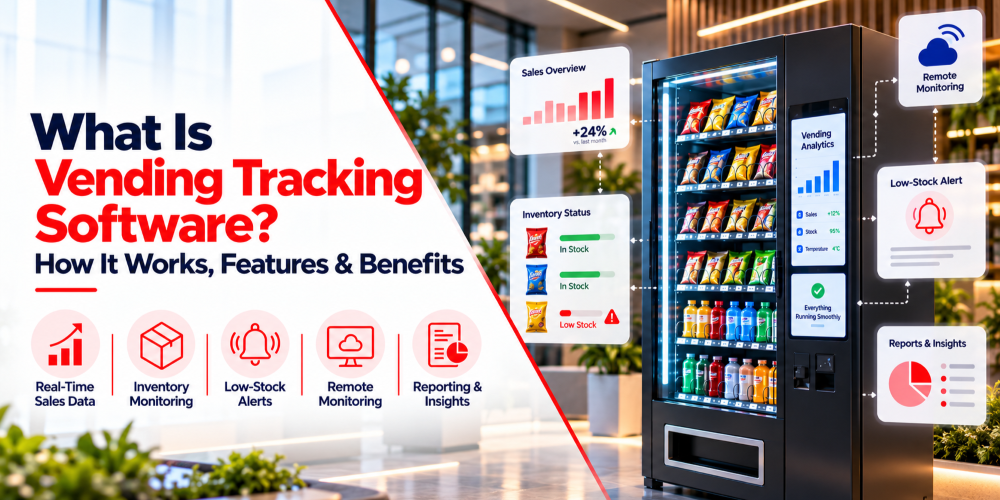
A vending management system (VMS) collects and processes machine data through connected hardware and software. It displays this information on a centralized dashboard, allowing operators to monitor sales, inventory, and machine performance remotely.
The process involves three main stages:
Machine Connectivity and Data Collection
A VMS gathers operational data from compatible vending machines through telemetry devices, payment terminals, and machine controllers.
The collected information may include:
- Sales transactions: Records of product purchases and payments.
- Inventory levels: Estimated stock availability and product movement.
- Machine status: Connectivity and supported equipment information.
Technologies such as MDB and DEX may support data exchange between compatible vending equipment.
Cloud-Based Monitoring and Data Processing
Machine data is transmitted to a cloud-based platform through cellular networks, Wi-Fi, or Ethernet.
The system then:
- Organizes sales and inventory records.
- Updates dashboards using available machine data.
- Generates reports on machine performance.
Data availability and update frequency depend on connectivity and hardware compatibility.
Remote Management and Automated Alerts
Operators can access machine information through a web dashboard or mobile application without visiting each location.
Depending on the platform, the system can:
- Send low-stock alerts when inventory reaches configured thresholds.
- Report machine issues such as connectivity failures or supported equipment faults.
- Support restocking decisions by identifying machines requiring attention.
This centralized approach helps operators reduce manual inspections, prioritize maintenance, and manage vending operations more efficiently.
What Are the Key Features of a Vending Management System?
A vending management system (VMS) provides tools to manage inventory, monitor machines, track sales, and streamline daily operations. Understanding these features helps businesses choose software that meets their operational needs.
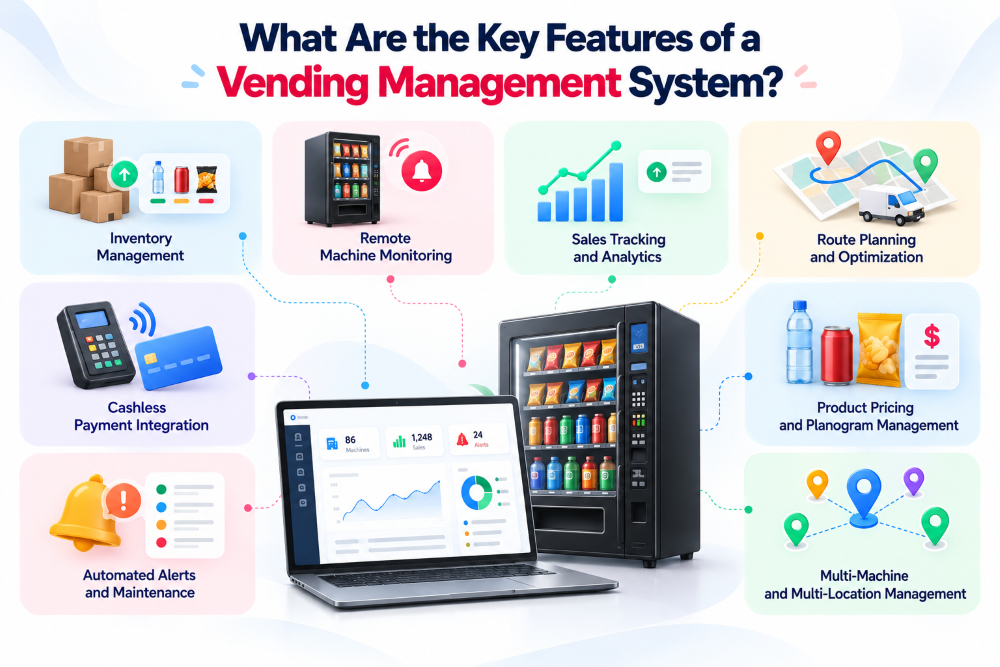
Real-Time Inventory Management
Inventory management helps operators track product availability and plan restocking without relying entirely on manual inspections.
Key capabilities include:
- Stock tracking: Monitor estimated inventory levels across machines.
- Low-stock alerts: Identify products that need replenishment.
- Restocking lists: Prepare product lists based on inventory requirements.
- Demand analysis: Identify fast-selling and slow-moving products.
For example, if bottled water sells faster than other beverages at a particular location, operators can adjust stock quantities to match demand and reduce missed sales opportunities.
Remote Machine Monitoring
Remote monitoring allows operators to check machine performance and identify supported equipment issues without visiting every location.
Key capabilities include:
- Machine status: Check connectivity and available operational information.
- Fault notifications: Receive alerts for supported equipment problems.
- Remote diagnostics: Review available machine data to investigate issues.
- Maintenance planning: Prioritize machines that require attention.
This helps operators identify problems earlier, reduce unnecessary inspections, and improve maintenance response times.
Sales Tracking and Analytics
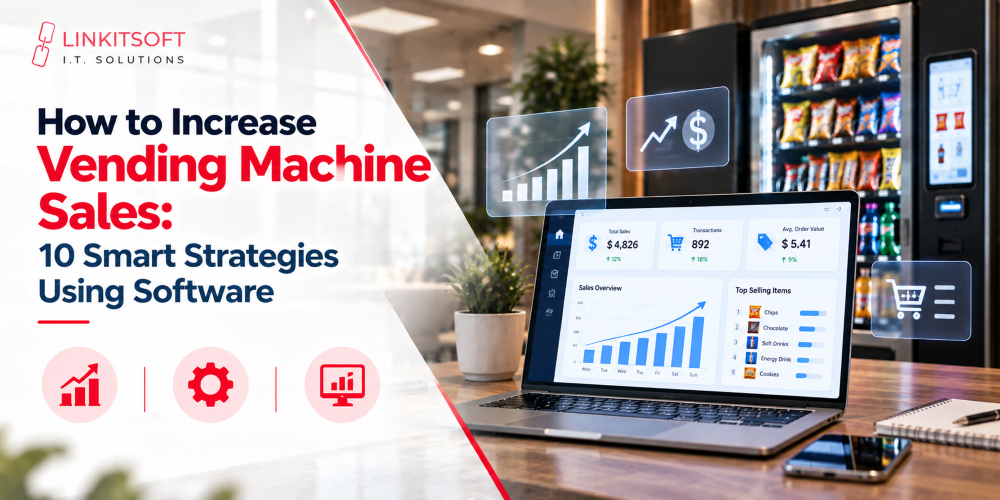
Sales tracking provides insights into product demand, revenue, and vending machine performance through centralized reports.
Operators can use these reports to:
- Monitor sales: Review transactions across machines and locations.
- Analyze products: Identify best-selling and underperforming items.
- Compare locations: Evaluate sales performance across different sites.
- Track trends: Understand changes in customer purchasing behavior.
For example, an office vending machine may generate more sales during working hours, while a transportation facility may experience different demand patterns. These insights help operators make informed inventory decisions.
Route Planning and Restocking Optimization
Route planning helps operators organize restocking visits based on inventory needs rather than fixed schedules.
Vending route management software may provide:
- Restocking schedules: Plan visits according to stock requirements.
- Route optimization: Organize service routes to reduce unnecessary travel.
- Product picklists: Prepare inventory before visiting machines.
- Service tracking: Record completed refills and maintenance visits.
By prioritizing machines that need attention, operators can reduce unnecessary trips, save time, and manage restocking activities more efficiently.
Cashless Payment Integration
Cashless payment integration allows vending businesses to review transaction information from compatible payment systems.
Depending on the software, key functions may include:
- Payment compatibility: Support integration with card readers and contactless payment devices.
- Transaction tracking: Review available payment and purchase records.
- Sales reconciliation: Compare transaction data with reported sales.
- Payment reporting: Monitor cashless payment activity across machines.
These capabilities help businesses organize payment information and simplify financial reporting. Supported functions depend on the payment provider and hardware integration.
Automated Alerts and Maintenance Management
Automated alerts help operators identify operational issues before they remain unnoticed for extended periods.
Common notifications may include:
- Low-stock warnings: Indicate when products require replenishment.
- Connectivity alerts: Report machines that stop communicating.
- Equipment notifications: Identify supported machine faults.
- Temperature alerts: Flag unusual readings from compatible sensors.
- Maintenance reminders: Help schedule routine service activities.
For example, a refrigerated vending machine with compatible temperature sensors may notify operators when readings exceed configured limits, allowing staff to investigate promptly.
Product Pricing and Planogram Management
Product pricing and planogram management help operators organize machine layouts, product selections, and pricing information.
A planogram shows how products are arranged inside a vending machine.
Depending on software capabilities, operators can:
- Manage product catalogs: Maintain product names and information.
- Organize planograms: Assign products to specific machine selections.
- Monitor pricing: Review product prices across locations.
- Analyze product placement: Identify opportunities to improve product selection.
- Update configurations: Make supported changes to compatible machines.
These features help operators maintain consistent product information and make better merchandising decisions.
Multi-Machine and Multi-Location Management
Multi-location management allows businesses to monitor and organize vending machines across different sites through a centralized dashboard.
Key capabilities include:
- Centralized monitoring: View available information from multiple machines.
- Location management: Organize machines by site, region, or business unit.
- Performance comparisons: Analyze sales and inventory across locations.
- Employee access: Assign appropriate system permissions to staff.
- Operational reporting: Review fleet-wide activity and service requirements.
This centralized approach simplifies coordination, improves visibility, and helps vending businesses manage expanding operations more efficiently.
What Are the Benefits of Using a Vending Management System?
A vending management system can help businesses improve operational efficiency, reduce avoidable work, and make more informed decisions.
Its value comes from providing better access to information and helping operators respond to actual machine requirements.
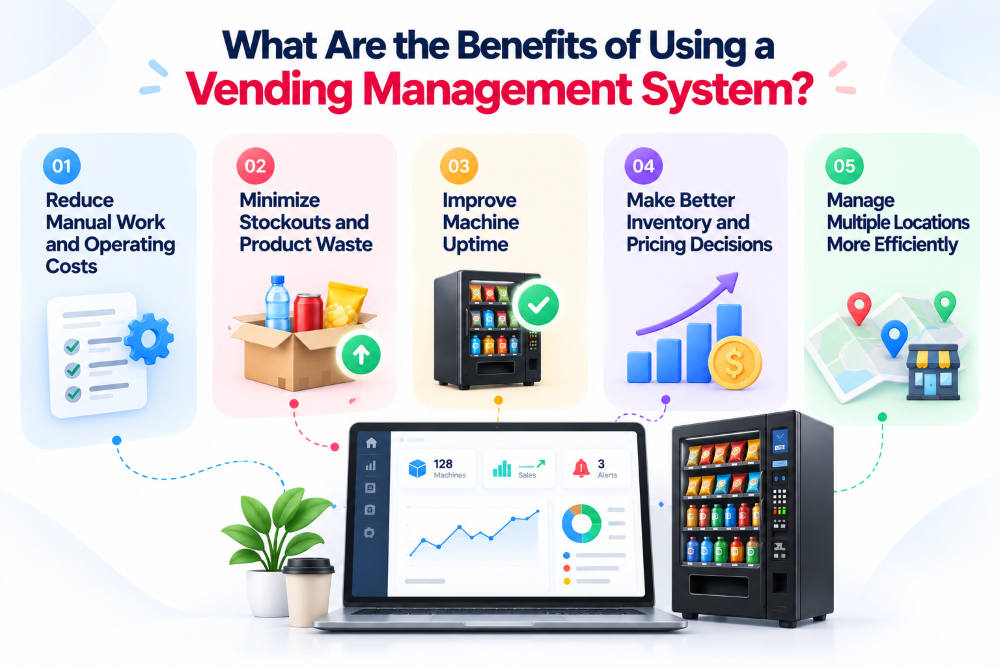
Reduce Manual Work and Operating Costs
A VMS automates routine tasks and centralizes information, reducing the need for manual inspections and reporting.
Key benefits include:
- Fewer site visits: Monitor machines remotely.
- Automated reporting: Save time on sales and inventory tracking.
- Lower expenses: Reduce unnecessary travel and administrative work.
Minimize Stockouts and Product Waste
A VMS helps operators maintain appropriate inventory levels based on sales trends and product demand.
It enables businesses to:
- Track inventory: Monitor product availability.
- Prevent stockouts: Identify items needing replenishment.
- Reduce waste: Avoid overstocking slow-selling products.
Improve Machine Uptime
A VMS helps operators identify machine issues early and respond before problems cause extended disruptions.
Key advantages include:
- Remote monitoring: Check machine status and connectivity.
- Automated alerts: Receive supported fault notifications.
- Faster maintenance: Prioritize machines requiring service.
Make Better Inventory and Pricing Decisions
Sales analytics help operators understand purchasing patterns and optimize product selection across locations.
Operators can:
- Analyze sales: Identify popular and slow-moving products.
- Optimize inventory: Adjust stock based on demand.
- Improve pricing: Evaluate pricing strategies using sales data.
Manage Multiple Locations More Efficiently
A VMS centralizes machine information, making it easier to coordinate operations across different locations.
Key benefits include:
- Centralized monitoring: Manage machines from one dashboard.
- Performance tracking: Compare sales across locations.
- Easier expansion: Organize growing vending operations efficiently.
How Much Does a Vending Management System Cost?
The cost of a vending management system depends on the software provider, the number of machines being managed, required features, hardware compatibility, and service requirements.
Some platforms charge recurring subscription fees, while others offer pricing based on fleet size or customized business needs.
A system’s advertised subscription fee may not represent the full cost of operating it.
Businesses should also consider the hardware, connectivity, setup, maintenance, and support needed for implementation.
Common Vending Software Pricing Models
Vending management software providers may use different pricing structures.
| Pricing model | How it works |
| Subscription-based pricing | Businesses pay a recurring fee for software access. |
| Per-machine pricing | Charges depend on the number of managed vending machines. |
| Tiered pricing | Different plans provide different features and capabilities. |
| Enterprise pricing | Customized plans are developed for larger or more complex operations. |
| Bundled pricing | Software may be provided together with compatible hardware or payment services. |
The best pricing structure depends on operational requirements and how the software will be used.
What Additional Costs Should Operators Consider?
Beyond software subscriptions, businesses may need to account for:
- Telemetry devices and compatible hardware
- Internet or cellular connectivity
- Installation and setup
- Payment processing charges
- Software integrations
- Employee training
- Technical support and maintenance
- Data migration or advanced reporting features
These expenses can vary significantly between providers.
Before choosing a platform, operators should request a clear explanation of all applicable fees, contract conditions, and optional services.
How Can Businesses Evaluate Vending Management System ROI?
Businesses can evaluate vending management system ROI by comparing operational benefits with software, hardware, and maintenance costs.
Key factors include reduced manual work, fewer service visits, improved product availability, and better inventory decisions. A VMS offers greater value when these improvements outweigh its overall expenses.
How Do You Choose the Right Vending Management System?
The right vending management system should match your operational requirements, work with your existing equipment, and remain practical as your business grows.
Selecting software based only on the number of advertised features can lead to unnecessary complexity or compatibility problems.
Instead, businesses should evaluate the following factors.
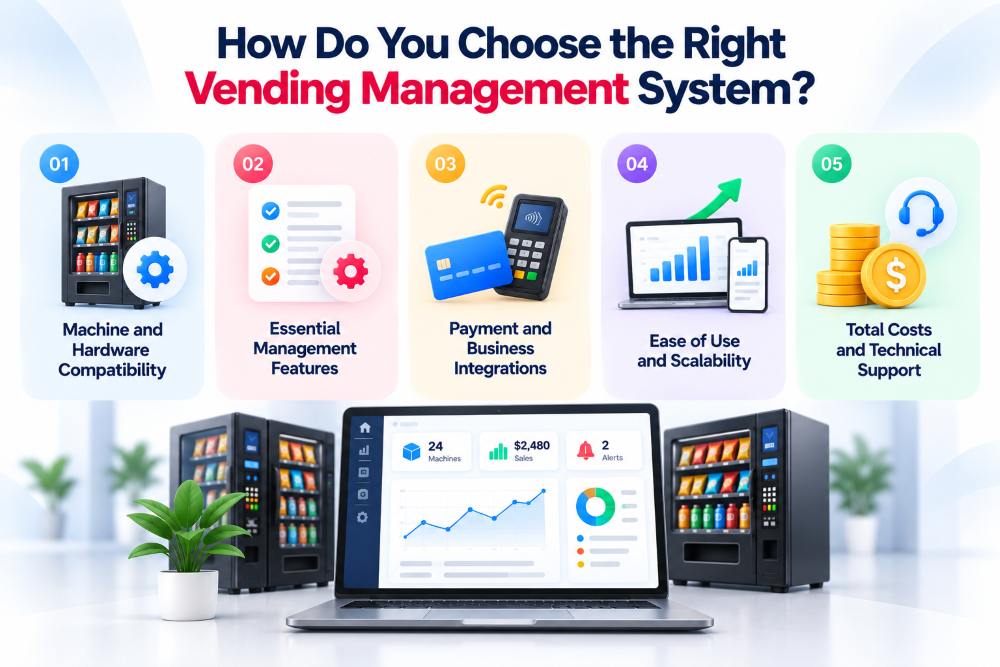
Machine and Hardware Compatibility
Ensure the software supports your vending machines, controllers, telemetry devices, and payment terminals. Check whether additional hardware is required for remote monitoring.
Essential Management Features
Choose software based on your needs, such as inventory tracking, sales reporting, route planning, remote monitoring, and analytics.
Payment and Business Integrations
Look for compatibility with payment gateways, accounting software, and inventory tools to simplify transactions and reporting.
Ease of Use and Scalability
Select a user-friendly dashboard with mobile access and reporting tools that can support more machines and locations as your business grows.
Total Costs and Technical Support
Compare setup fees, ongoing expenses, maintenance, security, and technical support. Test the software with compatible machines before full deployment.
Why Choose Linkitsoft for Custom Vending Management System Development?
Every vending business has unique requirements, and standard software may not always provide the flexibility needed to manage growing operations.
At Linkitsoft, we specialize in custom vending management software development, helping businesses build solutions tailored to their operational needs. From inventory tracking and remote machine monitoring to sales analytics, payment integrations, and multi-location management, we develop software designed to simplify vending operations and support business growth.
Whether you’re launching a new vending business or upgrading an existing system, our team can help you create a reliable, scalable solution.