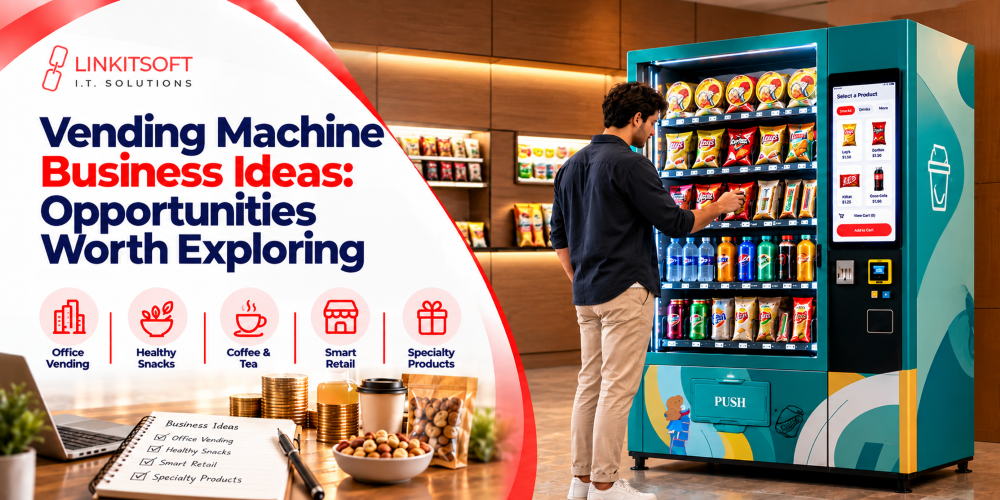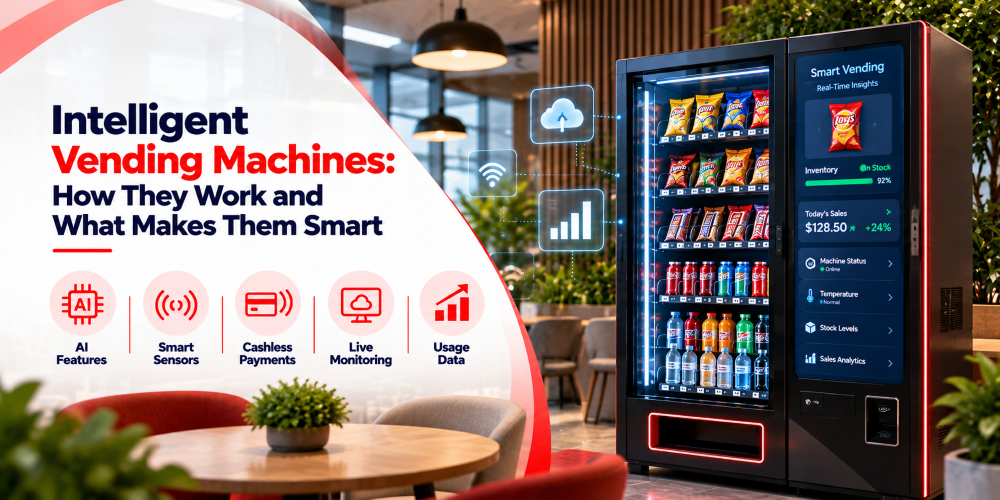
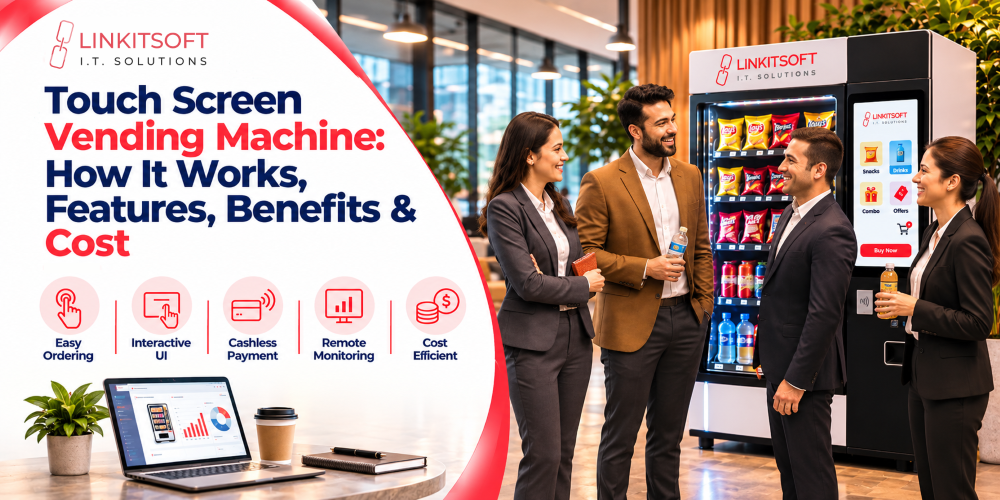
A touch screen vending machine lets customers browse products, select items, and make payments through an interactive display. Unlike traditional machines, it offers digital catalogs, flexible payment options, and smart features.
However, payment failures and poor inventory visibility can affect operations. Modern vending solutions address these challenges with reliable software and remote monitoring.
This guide covers how touchscreen vending machines work, their features, benefits, costs, and software requirements.
What Is a Touch Screen Vending Machine?
A touch screen vending machine is an automated retail machine that lets customers browse products, view prices, and make purchases through an interactive digital display instead of physical buttons.
Depending on its hardware and software, it may offer:
- Interactive catalogs: Display product images, prices, and details.
- Cashless payments: Support cards and digital wallets.
- Inventory tracking: Monitor stock levels.
- Remote management: Track machine performance.
- Digital promotions: Display ads and special offers.
Advanced features such as remote monitoring and inventory tracking require compatible software, connectivity, and hardware.
How Does a Touch Screen Vending Machine Work?
A touchscreen vending machine connects the customer-facing display with a payment system, vending controller, and dispensing mechanism.
The process generally follows four stages.
1. Product Selection
Customers browse a digital catalog and choose their preferred products.
The interface may display:
- Product images and descriptions.
- Categories and available variations.
- Prices and promotional offers.
- Stock availability, where supported.
Once the customer confirms a selection, the software prepares the transaction.
2. Payment Processing
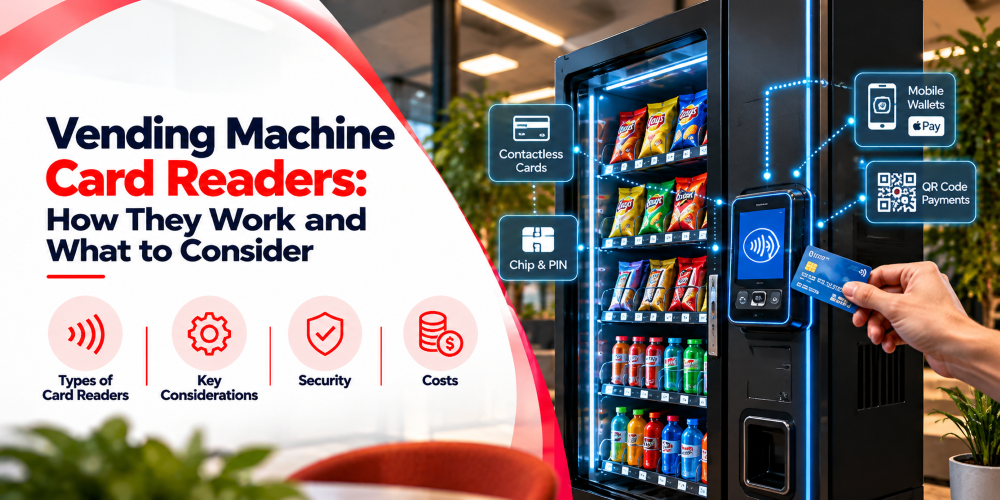
Customers choose an available payment method, such as:
- Credit or debit cards.
- Contactless payments.
- Compatible mobile wallets.
- QR code payments.
- Cash through supported hardware.
The payment terminal communicates the transaction result to the vending application.
Industry Fact: According to Cantaloupe’s 2026 Micropayment Trends Report, cashless payments accounted for 78% of vending machine sales in 2025, while contactless payments represented 85% of cashless vending sales. These findings highlight the growing importance of convenient digital payment options for vending machine operators in the U.S.
3. Product Dispensing
After payment confirmation, the vending software sends instructions to the machine controller to dispense the selected product.
The process includes:
- Sending dispensing commands.
- Activating motors or coils.
- Delivering the selected product.
- Confirming delivery through sensors, where supported.
These steps help ensure accurate dispensing and track successful or failed product deliveries.
4. Inventory and Transaction Updates
The software records the transaction and updates the relevant machine information.
Connected systems may track:
- Products sold.
- Inventory changes.
- Payment and dispensing results.
- Machine activity and errors.
These records help operators monitor machine performance and manage restocking.
Key Features of Touch Screen Vending Machines
Modern touchscreen vending machines combine customer-friendly interfaces with features that support automated retail operations.
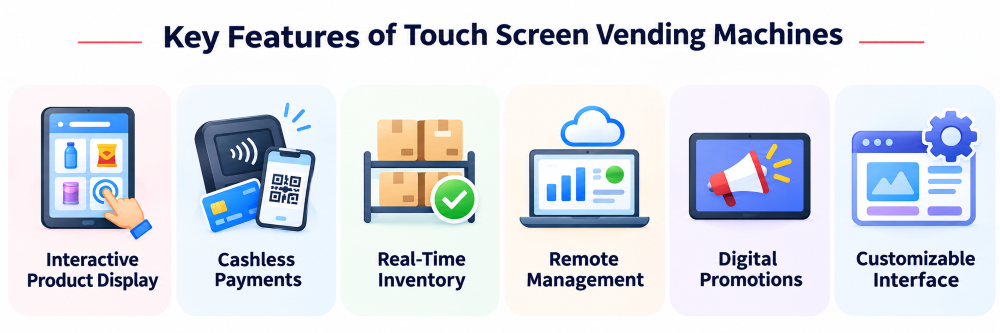
1. Interactive Product Display
A touchscreen allows customers to explore products visually rather than relying on fixed product codes.
Features may include:
- High-quality product images.
- Clear product descriptions.
- Organized categories.
- Interactive checkout screens.
- Product recommendations.
A well-designed interface makes product information easier to access and helps simplify the buying process.
2. Cashless and Contactless Payments
Touchscreen vending machines can integrate with compatible payment terminals and digital payment services.
These integrations may support:
- Card transactions.
- Contactless payments.
- Digital wallets.
- QR payments.
- Loyalty-based payment methods.
The growing adoption of cashless vending highlights the importance of reliable payment integration.
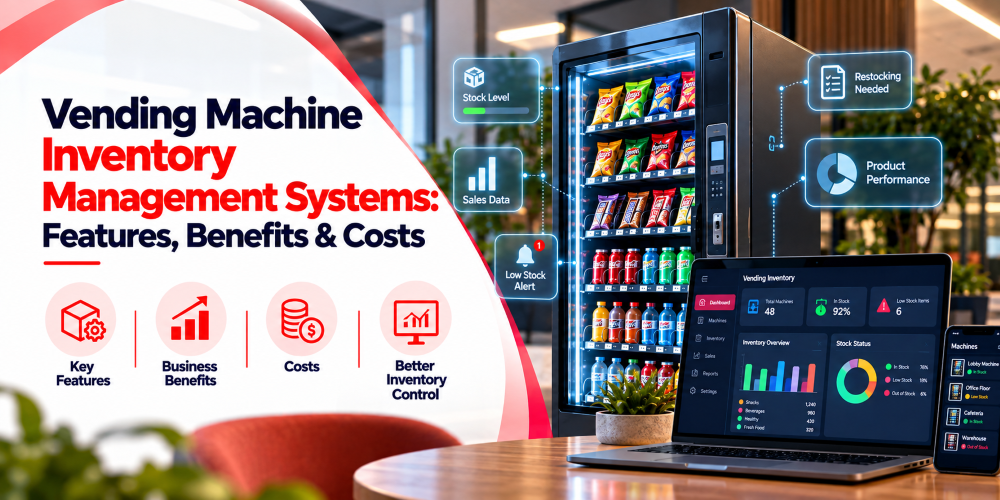
3. Real-Time Inventory Monitoring
Connected vending software can help operators monitor product availability and identify restocking needs.
Typical capabilities include:
- Inventory updates.
- Low-stock notifications.
- Sales-based stock records.
- Restocking history.
Actual inventory accuracy depends on reliable transaction records, sensor capabilities, and correct machine configuration.
4. Remote Machine Management
Cloud-connected vending machines can communicate operational information to a centralized dashboard.
Operators may monitor:
- Online and offline machine status.
- Transaction activity.
- Inventory availability.
- Maintenance alerts.
- Temperature readings, where supported.
Remote monitoring helps businesses identify problems without relying entirely on physical inspections.
5. Digital Advertising and Promotions
Touchscreen displays can show advertising content alongside product information.
Businesses may display:
- Product promotions.
- Special offers.
- Seasonal advertisements.
- Branded content.
- Recommended products.
This allows the vending interface to support digital merchandising as well as purchasing.
6. Customizable User Interface
Touchscreen vending software can be adapted to different business requirements.
Customization may include:
- Branding and visual themes.
- Product category layouts.
- Multilingual navigation.
- Custom checkout processes.
- Integration with loyalty programs.
These capabilities are particularly useful for businesses operating specialized vending machines.
Types of Touch Screen Vending Machines
Touchscreen vending machines serve different retail needs, from snacks and beverages to specialized products.
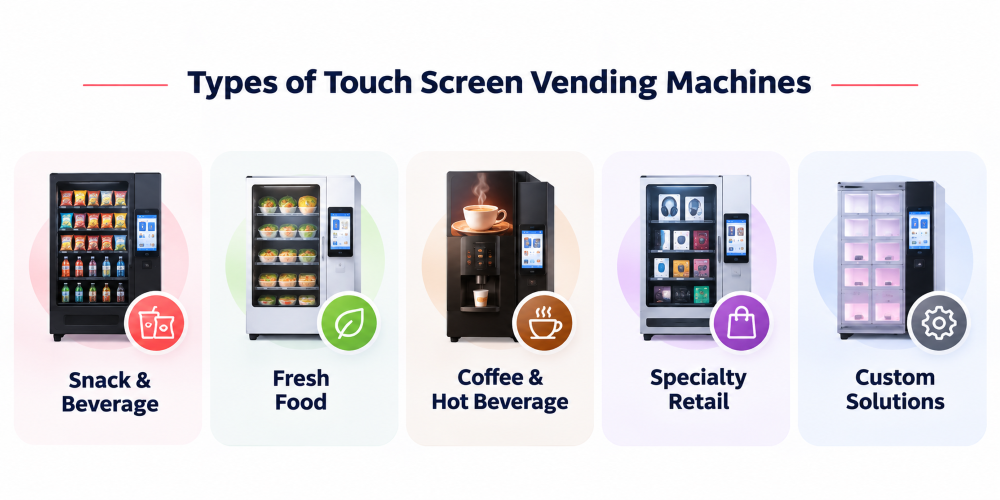
Snack and Beverage Vending Machines
These machines dispense packaged snacks, bottled drinks, and similar products. They are commonly found in offices, schools, residential buildings, and commercial spaces.
Fresh Food Vending Machines
Refrigerated touchscreen machines dispense fresh meals, sandwiches, and salads. They may include temperature controls, inventory tracking, and food storage monitoring.
Coffee and Hot Beverage Vending Machines
These machines allow customers to select and customize hot beverages. Depending on the equipment, users can choose drink size, strength, and flavor.
Specialty Retail Vending Machines
These machines sell products such as electronics accessories, beauty items, healthcare products, and gifts. Their dispensing mechanisms vary by product type.
Custom Touchscreen Vending Machines
Custom machines support specialized retail experiences, including smart lockers, product-sampling kiosks, and branded dispensers. They may require tailored software and hardware integrations.
Benefits of Touchscreen Vending Machines
Touchscreen vending machines can offer several operational and customer experience advantages.
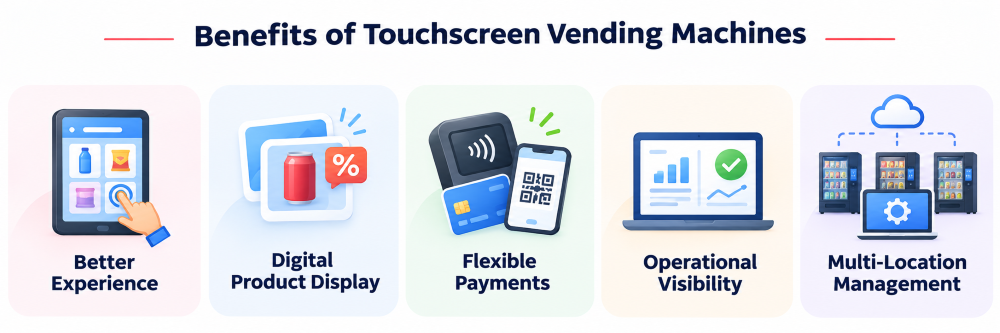
Improved Customer Experience
Interactive menus make product browsing more intuitive and provide clearer information before checkout.
Better Product Presentation
Digital catalogs allow businesses to display product images, descriptions, and promotional content without depending entirely on printed labels.
Flexible Payment Options
Compatible payment integrations allow customers to choose from multiple available methods.
Improved Operational Visibility
Connected management software can provide access to machine status, sales activity, and inventory information.
Easier Multi-Location Management
Businesses operating multiple machines can use centralized software to manage product information, monitor performance, and review transactions.
These benefits depend on the machine’s actual hardware, software, and connectivity capabilities.
Touch Screen vs Traditional Vending Machines
Traditional vending machines commonly use physical buttons or keypads, while touchscreen machines provide interactive digital interfaces.
| Feature | Traditional Vending Machine | Touch Screen Vending Machine |
| Product selection | Buttons or keypad | Interactive touchscreen |
| Product information | Physical labels | Digital images and descriptions |
| Product promotions | Mainly printed displays | Dynamic digital promotions |
| Cashless payments | Available on compatible machines | Available with compatible integrations |
| Remote monitoring | Requires connected technology | Requires connected technology |
| Interface customization | Usually limited | More flexible |
| Maintenance | Mechanical and electronic components | Mechanical, electronic, and display components |
Traditional vending machines may suit businesses with simple product offerings.
Touchscreen models are particularly useful when interactive product selection, branding, and software customization are important.
What Affects the Cost of a Touch Screen Vending Machine?
The cost of a touchscreen vending machine varies according to its specifications, software capabilities, and operational requirements.
Rather than focusing only on the initial machine price, businesses should evaluate the complete investment.
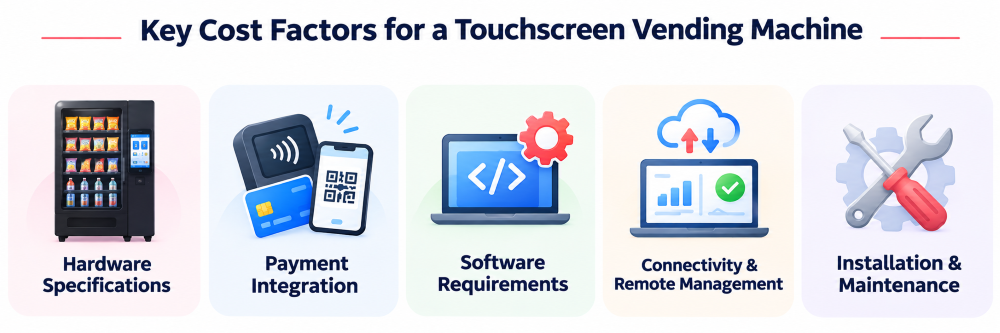
Hardware Specifications
Display quality, cabinet design, storage capacity, and dispensing mechanisms affect equipment costs.
Payment Integration
Additional payment terminals, cash acceptors, and specialized payment integrations may increase implementation expenses.
Software Requirements
Standard software may be sufficient for basic vending operations. Custom software can require additional development, integration, and maintenance work.
Connectivity and Remote Management
Cloud services, connectivity, monitoring features, and software subscriptions may contribute to ongoing costs.
Installation and Maintenance
Businesses should consider costs for installation, electricity, internet, restocking, maintenance, software updates, and hardware replacement.
What Software Powers a Touch Screen Vending Machine?
Touchscreen vending software manages product selection, payments, dispensing, inventory, and remote operations through six key components.
1. Touchscreen Application
The application manages product browsing, checkout, payments, and dispensing updates. It runs on compatible platforms such as Android, Windows, or Linux.
2. Machine Controller Integration
Vending software communicates with machine controllers through supported protocols or APIs to operate dispensing mechanisms and track results.
3. Cloud-Based Management Software
Cloud software enables remote inventory management, sales reporting, product updates, machine monitoring, and transaction tracking. Businesses can use custom vending machine software for specialized integrations.
4. Payment Integration and Security
Payment software manages approved, declined, and failed transactions while supporting secure payment processing.
Security fact: The Payment Card Industry Data Security Standard (PCI DSS) establishes requirements for protecting payment account data. Businesses using third-party payment providers still need to understand their applicable security responsibilities.
5. Offline Functionality
Offline-capable software can store product data, record events, and synchronize information after reconnection. Offline payment support depends on the provider.
6. Inventory and Sales Analytics
Analytics software tracks sales, stock levels, and product performance, helping operators improve restocking and inventory decisions.
Can You Add a Touchscreen to an Existing Vending Machine?
Some traditional vending machines can be upgraded with touchscreen interfaces.
However, retrofitting depends on compatibility and available integration options.
Businesses should evaluate:
- Controller compatibility.
- Cabinet design and available space.
- Power requirements.
- Payment hardware integration.
- Software support.
- Installation and maintenance requirements.
Retrofitting may be practical when the existing machine supports the required modifications.
Otherwise, replacing the machine may offer a more suitable long-term solution.
Common Touch Screen Vending Machine Problems
Even advanced machines can experience operational issues.
| Problem | Possible Cause | Recommended Approach |
| Unresponsive touchscreen | Software or display failure | Review diagnostics and hardware condition |
| Payment failure | Terminal or gateway issue | Check payment status and connectivity |
| Failed product dispensing | Motor, sensor, or controller issue | Record and investigate dispensing outcome |
| Incorrect inventory | Missing updates or inaccurate stock data | Reconcile inventory records |
| Machine showing offline | Unstable network connectivity | Check network and device status logs |
| Synchronization delays | Backend or connectivity problems | Retry eligible synchronization safely |
A reliable system should maintain useful error records and clearly distinguish payment outcomes from dispensing outcomes.
How to Choose the Right Touch Screen Vending Machine
Choosing the right touchscreen vending machine requires considering its hardware, software, payment options, and long-term operational needs.
Display Quality
Choose a touchscreen with suitable size, brightness, and durability for the installation environment and customer experience.
Hardware Compatibility
Ensure the machine supports compatible controllers, operating systems, dispensing mechanisms, and payment hardware.
Software Features
Look for essential features such as inventory tracking, sales reporting, remote monitoring, and software customization.
Payment Support
Select a machine that supports convenient payment options, including compatible cards, contactless payments, and digital wallets.
Accessibility
Ensure the touchscreen is easy to reach, read, and operate. The ADA Standards include accessibility requirements for vending machines, including control placement and operation.
Security and Support
Choose a machine with secure payment processing, regular software updates, reliable technical support, and suitable warranty coverage.
When Do You Need Custom Touch Screen Vending Machine Software?
Standard vending software may be suitable for basic product selection and payment processing.
However, custom development becomes valuable when businesses need specialized functionality.
Examples include:
- Unique product-selection workflows.
- Custom payment integrations.
- Specialized dispensing mechanisms.
- Branded customer experiences.
- Multi-location vending management.
- Advanced operational reporting.
- Integration with external business platforms.
Custom software allows the machine’s interface and operational processes to be designed around specific business requirements.
Real-World Example: Linkitsoft’s Showdrop Project
Linkitsoft developed custom vending software for Showdrop, a product-sampling solution designed for retail environments.
The project included:
- Interactive customer experiences.
- QR code-based sample redemption.
- Inventory tracking.
- Offline capabilities.
- Temperature monitoring.
- Customized branding.
This project demonstrates how tailored vending software can support specialized customer experiences beyond conventional product sales.