Running a vending machine business sounds simple until you’re actually doing it. Filling machines and collecting payments are the easy parts. The harder parts are monitoring sales across locations you can’t always visit and keeping machines available when customers actually want to use them. None of that happens automatically.
This guide covers how modern vending machines actually work and how the right software and maintenance approach makes daily operations genuinely more manageable.
How Do Modern Vending Machines Work?
Modern vending machines combine several components and systems along with software. Each part handles something different, but they have to work together to complete sales and report activity accurately.
Machine Controllers and Vending Software
The machine controller manages the mechanical side of things. It receives instructions and coordinates actions like activating a motor or confirming whether a dispensing cycle finished correctly.
Vending software handles the information around those activities. Depending on the setup, it can manage product selections, prices, sales records, stock information, and communication with the operator’s management platform.
These two things don’t always do the same job, and it’s worth understanding the distinction. The controller handles the physical machine operations. The software handles business information and remote monitoring. What’s actually available to an operator depends on the machine’s hardware and what the vending platform supports.
Product Dispensing and Payment Processing
When a customer selects a product, the machine starts the purchase process. The controller prepares the dispensing mechanism, and the payment system handles the transaction.
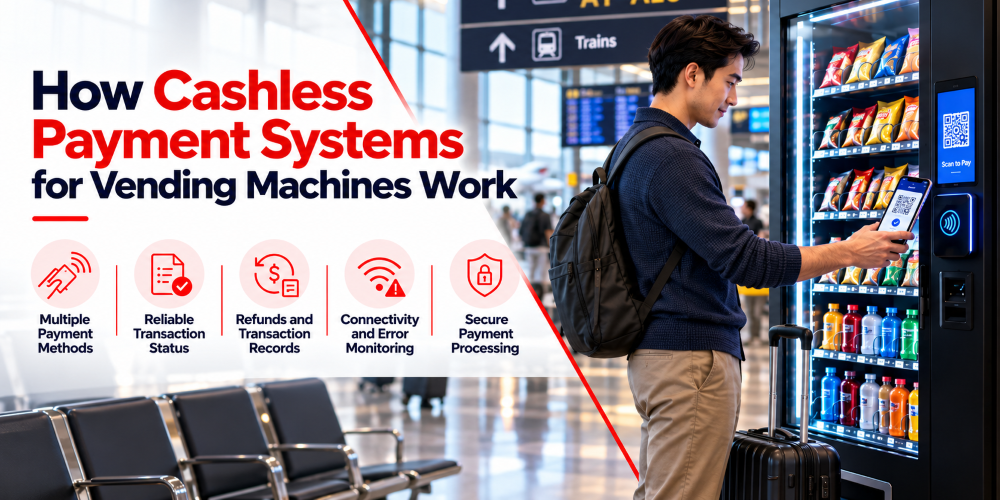
Cash machines validate notes and coins through the hardware. If a system is cashless, it uses a payment terminal connected to a payment provider that processes cards and contactless payments.
Once the payment clears, the machine dispenses the product and even records the sale. If it succeeds but nothing comes out, the operator needs transaction records to investigate the fault and arrange a refund when that’s warranted.
Machine Connectivity and Remote Communication
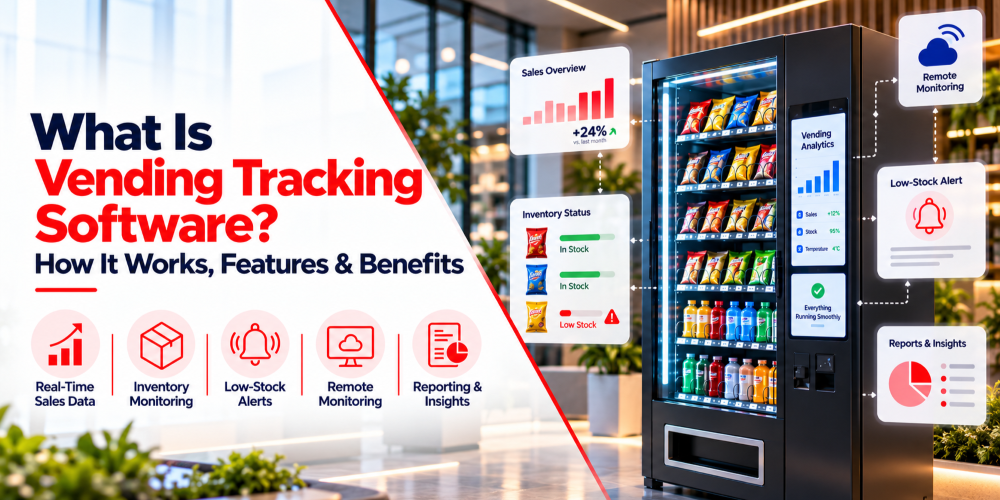
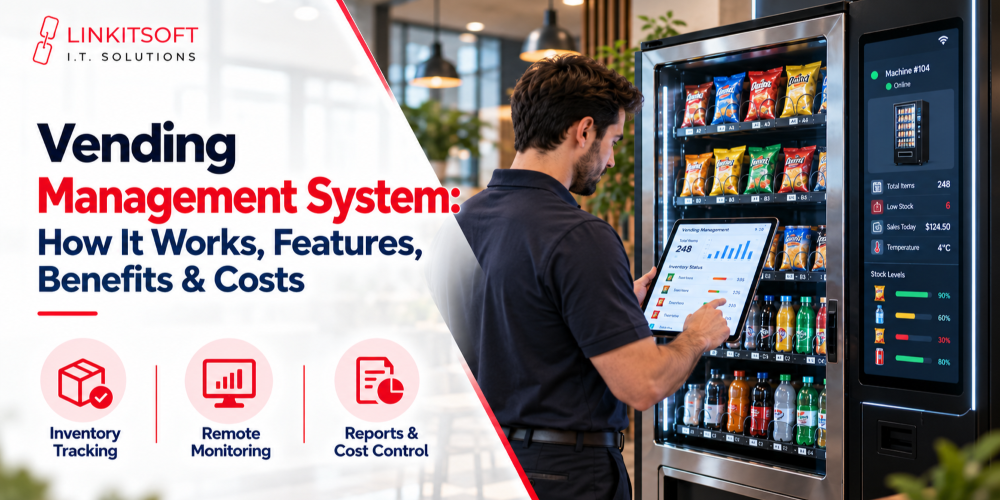
Connected vending machines send information to a remote management platform through WiFi or cellular depending on the setup. That information typically includes sales, stock estimates, and machine status.
Operators can review all of this through a dashboard remotely. Some setups allow remote price changes and product updates too.
What’s available depends on the machine. Older models might only offer basic sales reports. Newer connected machines can provide detailed diagnostics and more remote control options.
How Should Operators Monitor Vending Machine Performance?
Regular monitoring helps operators catch problems before they cause extended downtime or lost sales.
Sales and Transaction Tracking
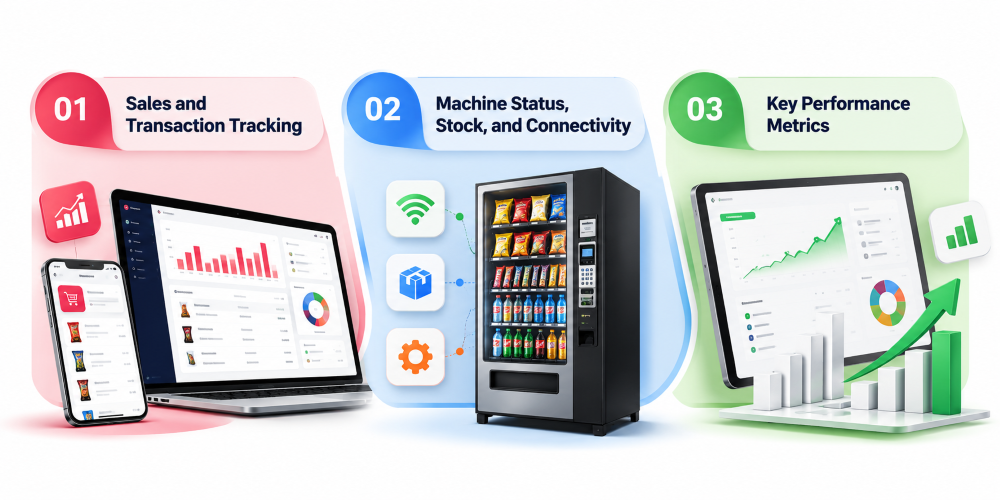
Sales records show how much each machine earns, which products move, and when purchases peak. A sudden drop in transactions doesn’t automatically mean the machine has failed. Lower foot traffic, empty product slots, payment issues, or a lost connection can all cause the same symptom. Looking at recent activity alongside machine status gives a much clearer picture of what’s actually happening.
Machine Status, Stock, and Connectivity
A management platform can surface dispensing faults, payment errors, low stock warnings, or connectivity losses depending on what the machine and its equipment support.
Operators should distinguish between a machine that’s stopped working and one that’s simply stopped sending updates. A machine can keep accepting purchases even when its remote connection fails, though the operator won’t receive current sales or stock information in that case.
Repeated alerts on the same machine deserve more attention than a single restart. If the same device is reporting dispensing problems several times in a week, it probably needs a physical inspection rather than another remote restart.
Key Performance Metrics
Operators don’t need to track every data point available. A focused set of metrics reveals where the business is doing well and where things need attention.
| Metric | What it tells the operator |
| Sales revenue | How much each machine earns |
| Transaction count | How often customers make purchases |
| Average transaction value | How much customers spend per purchase |
| Product sales | Which items sell well and which move slowly |
| Stockout frequency | How often products become unavailable |
| Machine uptime | How consistently a machine stays available |
| Failed transactions | How often purchases fail or need investigation |
| Operating costs | What’s spent on servicing, travel, and maintenance |
These figures are more useful together than individually. A machine generating strong revenue might require frequent repairs and expensive restocking trips. Another earning less might cost almost nothing to operate. Both sides of that equation matter for understanding actual profitability.
How Do Operators Manage Inventory and Restocking?
Inventory management affects sales, waste, and operating costs simultaneously. Products selling out early means missed sales. Carrying too much stock means wasted trips and potential expiry.
Stock Level Tracking
Operators need a reliable estimate of what’s left in each machine. A basic approach records the quantity loaded and subtracts recorded sales. More advanced machines provide stock information through sensors or dispensing controls.
Recorded inventory and physical stock don’t always match, though. A dispensing failure, incorrect loading record, or product removed during maintenance can all create discrepancies. Comparing recorded quantities with actual stock during service visits corrects inaccurate records before they cause bigger problems downstream.
Restocking Schedules Based on Sales Data
A fixed restocking schedule makes sense for some machines and is wasteful for others. A machine in a busy office or transport hub might sell out popular drinks within days. One in a quieter location might be fine for much longer.
Sales history helps operators estimate how quickly products move and when a refill is actually needed. The time it takes to travel matters too. Combining several nearby machines into one route reduces fuel costs and staff time considerably.
Low Stock Alerts and Product Availability
Low stock alerts notify operators when a product hits a selected threshold. That threshold should reflect how quickly the product sells and how long reaching that machine actually takes. A popular drink at a busy location needs a higher minimum than a slow-moving snack.
Grouping alerts by location where possible means a notification doesn’t automatically become a separate trip for every product.
Inventory Discrepancies and Expired Products
Stock differences come from loading mistakes or theft. Repeated discrepancies should be investigated because they distort sales reports and make future stock estimates unreliable.
For food and drinks, checking expiry dates during restocking is very serious. Rotating older stock to the front reduces waste. Sales history reveals which products move too slowly to justify keeping in a particular machine.
How Do Operators Manage Payments and Transaction Issues?
Payment problems affect customer trust and make things difficult for the future. That’s exactly why operators need a clear process for figuring out what happened.
Cash and Cashless Payment Systems
Cash machines need working validators and functioning change mechanisms. Operators deal with jams and confirming the machine can make the correct change.
Cashless systems depend on a payment terminal, a payment provider, and a reliable connection. They can support cards, contactless, and mobile wallets depending on the setup. Cashless reduces physical cash handling but introduces other dependencies. Operators need to know which problems they can investigate themselves and which need escalating to the payment provider.
Failed Transactions and Refunds
A failed transaction might be a declined payment, an interrupted connection, or a payment that went through without the product dispensing. Operators should check the transaction reference, payment status, time of purchase, and available dispensing records before deciding what to do. These details establish whether the customer was charged and whether the machine completed the sale.
Refunds should follow the payment provider’s process and the operator’s own policy. Keeping records of complaints and how they were resolved also reveals machines with recurring payment issues.
Payment Reconciliation
Reconciliation means comparing machine sales records with cash collected and payments reported by cashless providers. The figures often differ because of processing fees, refunds, reversed transactions, or settlement delays. Cash totals can be affected by change handling and counting errors.
Comparing records for the same reporting period and accounting for these differences before assuming money is missing is the right approach. Regular reconciliation catches unusual gaps and provides a more accurate revenue picture.
Payment Terminal Troubleshooting
When a terminal stops working, start with the basics. Confirm it has power, check its connection, and review any error messages. If only specific payment methods are failing, that narrows down the cause considerably.
Persistent problems typically involve the network, terminal configuration, or the payment provider directly. Record repeated failures so technical support can investigate without unnecessary site visits.
How Do Operators Maintain and Troubleshoot Vending Machines?
Good maintenance starts with understanding what the symptoms are actually pointing to. Operators should review available machine data, identify the likely cause, and decide whether the problem can be addressed remotely or needs someone on site.
Common Hardware and Dispensing Issues
Mechanical faults affect motors and cooling systems. A customer might pay for something that stays stuck, or one selection might stop working while the rest of the machine operates normally.
Recording which selection failed, whether payment completed, and whether an error appeared gives technicians useful information to work from. If the same slot keeps causing problems, the mechanism or product positioning needs attention rather than another restart.
Product compatibility matters more than people expect. Items that are too large or incorrectly positioned jam or fail to dispense. Following loading instructions and using compatible products prevents a lot of recurring faults.
Electrical problems, damaged components, and refrigeration faults need a qualified technician. Operators shouldn’t attempt repairs involving equipment they’re not trained to handle.
Diagnosing Faults and On Site Troubleshooting
A machine that stops sending data might have lost connectivity, had a power interruption, or hit a communication error. Checking the last communication time and recent alerts helps narrow down the cause before anyone makes a trip.
Some software problems respond to an approved restart or configuration correction. Repeatedly restarting without investigating the cause usually just delays the inevitable.
Remote troubleshooting works best when the machine provides useful status information. If something is physically jammed or a component has failed, an on-site visit is the only real option. Before sending a technician, gathering the error message, recent transaction history, affected product selection, and when the problem started helps them arrive better prepared.
Preventive Maintenance Schedules
Waiting for machines to fail leads to lost sales and emergency call-outs. Preventive maintenance catches wear, dirt buildup, and developing faults before they cause a breakdown.
The schedule should reflect the machine type and its environment. Refrigerated machines need different checks from packaged snack machines. Equipment in busy or dusty locations needs more frequent cleaning than one sitting in a quiet office corridor.
Keeping records of service dates and recurring problems shows which machines need more attention over time and whether a repeated fault is asking for a permanent fix.
How Can Vending Software Help Manage Multiple Machines?
Checking each machine manually when you’re running several becomes genuinely unsustainable. Vending software brings information from compatible machines into one platform so operators can monitor activity and coordinate work without visiting every location.
Centralized Machine Monitoring
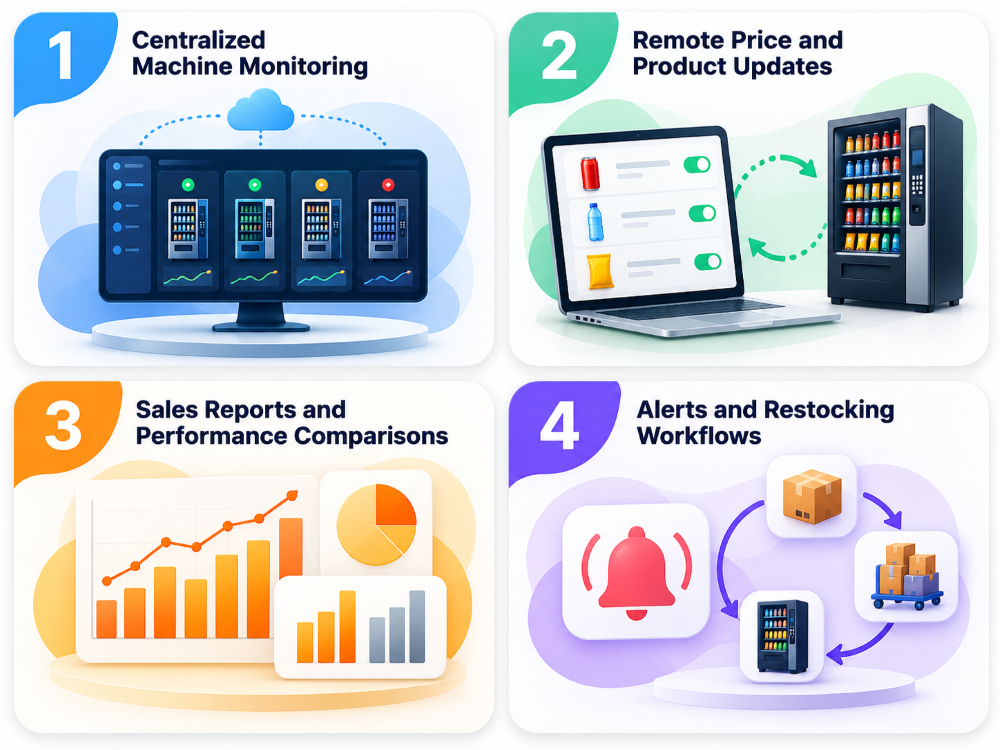
A central dashboard lets operators review sales, connectivity, and reported faults across the whole fleet. They can see which machines need attention and prioritize issues based on impact rather than proximity.
This doesn’t replace physical inspections. It helps operators decide where to send staff rather than visiting everywhere just to check nothing’s wrong.
Remote Price and Product Updates
Some platforms allow price and product updates to be pushed remotely across multiple machines. Before applying fleet-wide changes, operators should confirm every machine uses the same configuration. Different locations can have different pricing, product selections, or hardware capabilities that need to be accounted for.
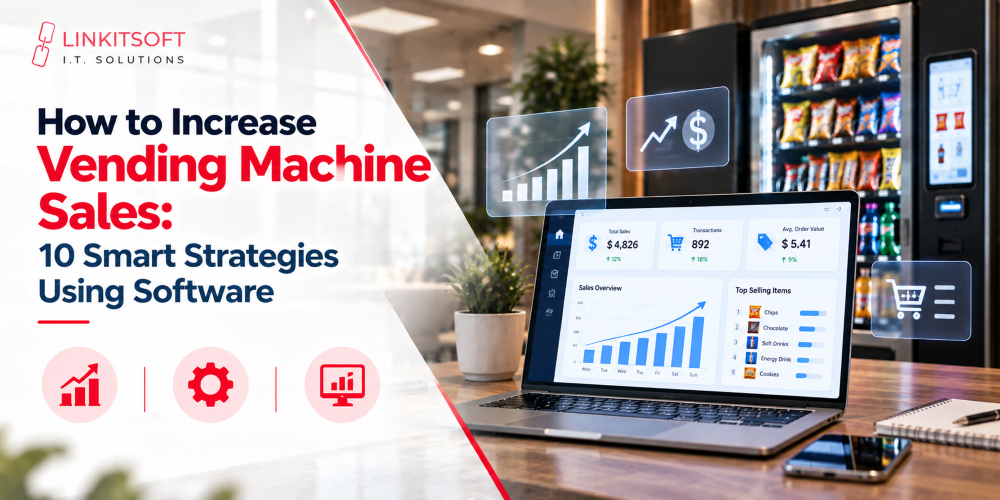
Sales Reports and Performance Comparisons
Centralised reports let operators compare machines and locations. They also help them identify popular products and assess whether a location justifies further investment. Revenue alone doesn’t tell the full story. Other facctors like product costs and maintenance expenses all feed into the actual profitability. A machine with modest sales can be very worthwhile if it costs almost nothing to operate.
Alerts and Restocking Workflows
Software alerts flag low stock or lost connectivity. Grouping machines by location and combining restocking visits around those alerts reduces unnecessary travel. Alert thresholds should be set thoughtfully. Too many low-priority notifications make it easy to miss the ones that actually matter.
What Should Operators Consider When Scaling Their Vending Fleet?
Adding machines creates growth opportunities, but operators need efficient processes to manage the extra workload.
- Organize locations and responsibilities: Group machines by area and assign clear responsibility for restocking, repairs, and inspections.
- Standardize equipment where practical: Compatible hardware and software simplify staff training and technical support, although different machine types may need separate configurations.
- Optimize restocking routes: Use sales history to plan visits, combine nearby stops, and reduce unnecessary travel.
- Track actual profitability: Account for product costs, location fees, payment charges, labor, fuel, and repairs before investing in more machines.
Once you’ve got everything on track, you’re ready to expand.