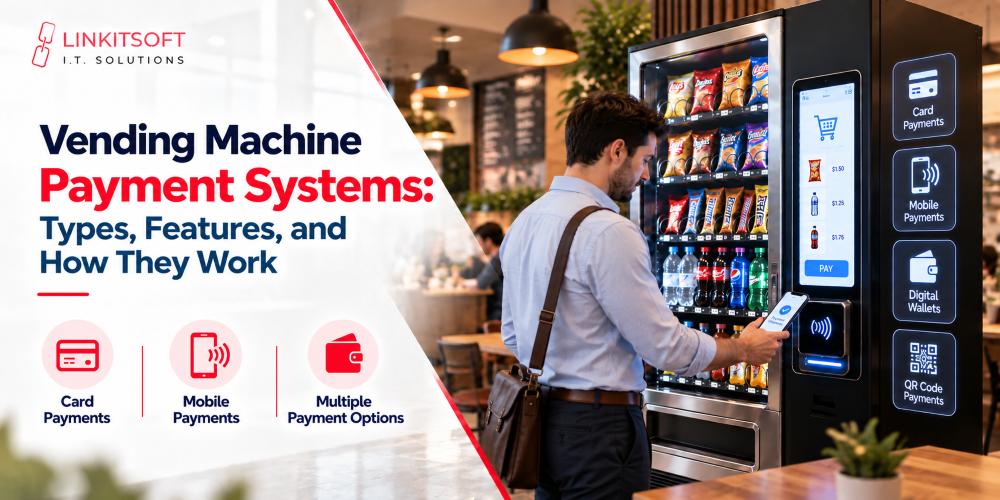
A vending machine payment system does more than just take money. It checks whether a payment went through, tells the machine whether to release the product, and keeps a record of what happened. Get any part of that chain wrong, and you end up with frustrated customers, disputed transactions, or products dispensed without payment.
For operators, especially those running machines across multiple locations, understanding how these systems actually work makes a real difference to daily operations.
What Is a Vending Machine Payment System?
It’s the combination of hardware and software that lets customers pay and confirms whether a transaction can proceed. The hardware side includes coin acceptors, bill validators, card readers, and contactless terminals. A payment processor handles electronic transactions by communicating with financial networks and returning an approval or decline. The machine controller receives that result and decides whether to dispense the product.
These parts need to work together properly. A card reader captures payment details but the vending application and controller still have to handle the result correctly. Approved payment means the product gets released. Failed payment means it doesn’t, and the customer needs a clear message explaining what happened.
What Types of Payment Systems Do Vending Machines Use?
In the modern era, lots of payment systems exist. To keep up with the latest technology, vending machines keep up with the latest payment types. Let’s take a look at them:
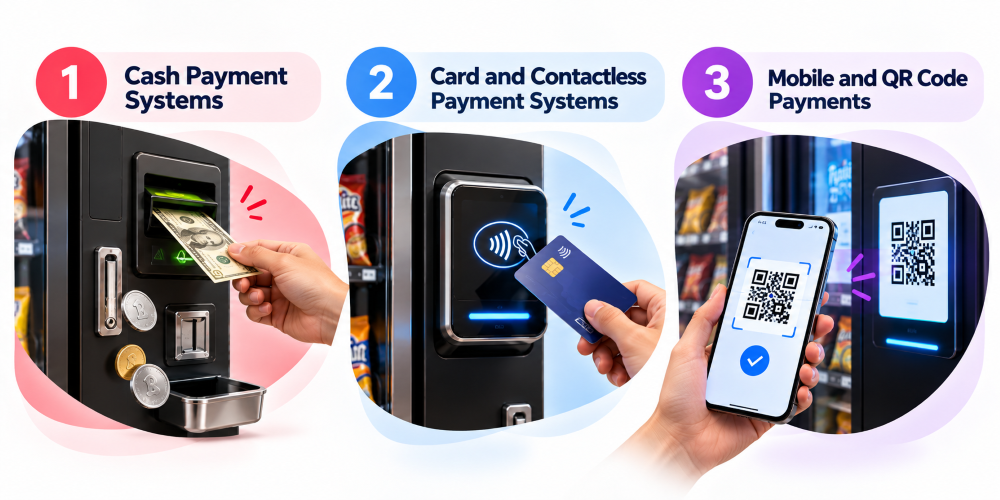
Cash Payment Systems
Coin acceptors and bill validators check physical currency against known values. Size, material, weight, and other properties for coins. Sensor-based assessment of banknotes against accepted denominations. Once validated, the device communicates the value to the controller, which tracks the running total against the product price.
Cash works well for customers who prefer it but requires consistent maintenance. Validators get dirty, mechanisms jam, storage fills up, and machines that return change need enough coins to do it properly. A faulty validator can make a fully stocked machine look broken. Monitoring payment device errors and cash levels helps catch these problems before they cause repeated lost sales.
Card and Contactless Payment Systems
Card readers capture payment details and route them through the terminal and payment provider. The card issuer returns an approval or decline. Contactless payments follow the same process except the customer taps a card or phone rather than inserting anything. NFC handles that short-range communication and it’s also what most mobile wallets use.
These systems make transactions faster since customers don’t need exact change, which matters in workplaces, hospitals, transit locations, and anywhere people expect speed.
One thing worth noting: adding a card reader doesn’t automatically make a machine ready for cashless payments. The reader needs to be compatible with the machine’s controller, connected to a payment service, and properly configured. Transaction fees and device maintenance need to factor into the decision too.
Mobile and QR Code Payments
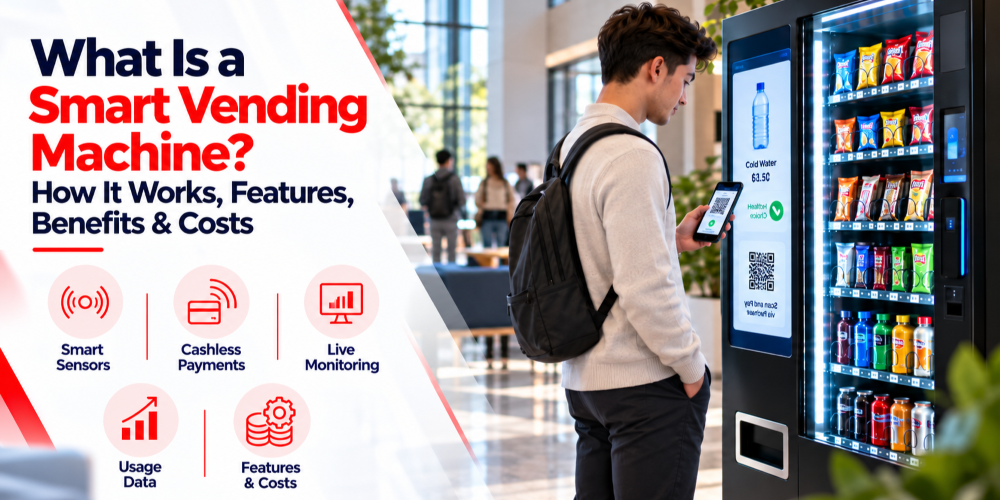
Mobile payments typically work through NFC, the customer taps their phone and the transaction processes like a contactless card payment. QR code payments work differently. The customer scans a code, confirms payment in their app, and the provider sends confirmation back to the vending system.
The critical point with both methods is confirmation. A customer scanning a QR code or opening a payment app is not proof that money has been received. The vending system must get a valid approval from the payment service before releasing anything.
QR payments can work well where mobile wallets are widely used, and operators want cashless options without installing NFC terminals everywhere, but the setup depends on the provider, and most require a live internet connection throughout the transaction.
How Does a Vending Machine Payment Transaction Work?
It may look simple at the front, but there’s a lot going on in the background. It’s essential too understand how things work.
Payment Method Selection and Product Pricing
The customer selects a product, the application checks its price and availability, and the customer chooses how to pay. For cash, the machine tracks cumulative value received. For card or mobile, the terminal receives a request for the exact amount.
The price sent to the payment provider must match the selected product. This sounds obvious, but it matters when machines carry multiple products, run promotions, or have variable pricing. The software needs to keep the selected item and its transaction details linked through the entire purchase.
Payment Authorization and Transaction Status
The terminal sends a request through the payment provider, which routes it to the relevant financial network and card issuer. The response comes back as approved, declined, or another status requiring further action.
An approval means the payment is authorised. It doesn’t necessarily mean the money has settled into the operator’s account yet since authorisation, capture, and settlement can be separate steps.
The controller needs a clear result before proceeding. Declined means the purchase stops. Delayed or unclear means the system should check status rather than assume failure. This matters most when the network drops mid-transaction. The customer might see a pending charge while the machine never received the response. A reliable system identifies the transaction and checks its status rather than blindly submitting the same payment again.
Product Dispensing and Purchase Confirmation
After confirmation, the controller instructs the machine to dispense. Some machines can detect whether the product dropped successfully. Others have limited feedback. What the software can verify depends on the hardware available.
When dispensing confirms successfully the transaction gets recorded as complete, sales totals update, and inventory adjusts. Keeping these steps connected matters for troubleshooting. An approved payment with no corresponding inventory movement might indicate a dispensing failure worth investigating.
Handling Failed or Interrupted Transactions
A declined payment shouldn’t trigger dispensing. An interrupted electronic payment should be checked with the provider because the original request might have succeeded even if the response never arrived.
If payment succeeds but nothing dispenses, the system should record both the approved payment and the dispensing failure as linked events. Depending on the provider and transaction status, recovery might mean a refund, a reversal, or releasing an authorisation hold. These aren’t interchangeable, and the correct option depends on how the transaction was processed.
Every transaction should leave enough information to investigate: reference number, machine ID, amount, timestamp, and dispensing result where available.
What Features Should a Vending Machine Payment System Support?
The payment system should actually be of use to both the operator and the customers. So, it shouldn’t be cluttered with features, but it should mainly offer what can actually be used:
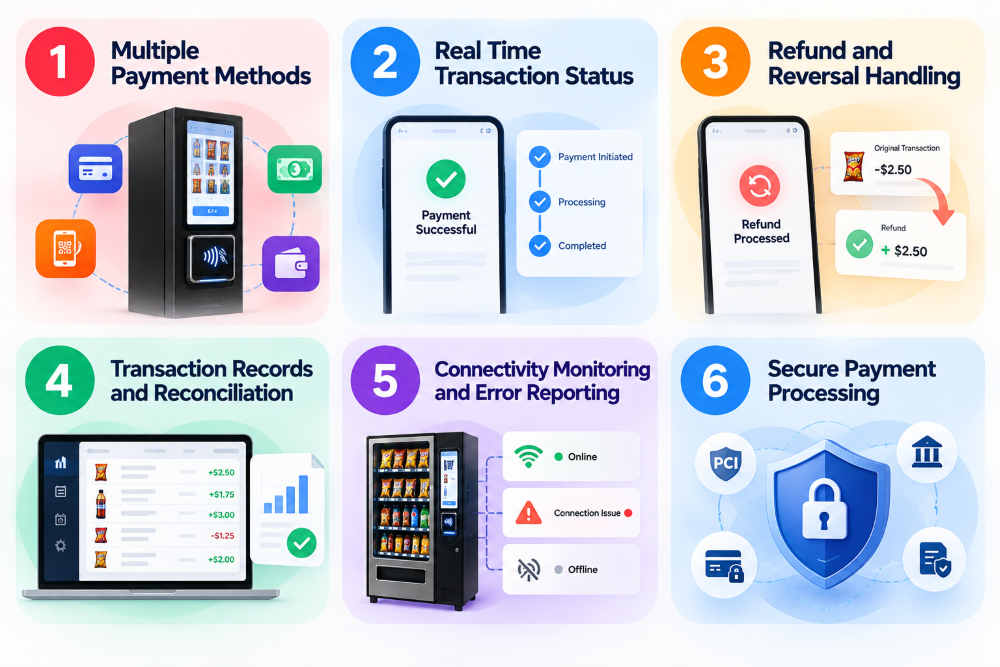
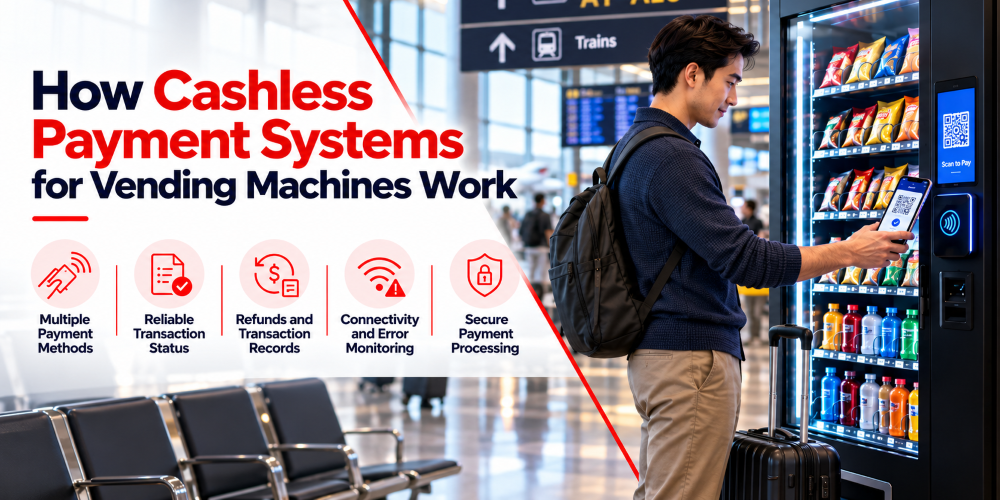
Multiple Payment Methods
Supporting cash, cards, contactless, and mobile wallets gives customers options and helps operators serve different location types. Compatibility, provider availability, and costs all need checking before adding payment methods.
Real Time Transaction Status
Clear status tracking covering pending, approved, declined, and completed states prevents duplicate charges and reduces confusion during interruptions. It also gives operators an accurate picture of what actually happened during a purchase rather than having to piece it together afterward.
Refund and Reversal Handling
The system should support the appropriate recovery process when a purchase fails to complete. That might be a refund, a reversal, or releasing an authorisation hold depending on the transaction. Linking recovery actions to original payments makes customer support easier and prevents accidental double refunds.
Transaction Records and Reconciliation
Each transaction should record the machine, date and time, amount, payment method, reference, and final status. Refunds and dispensing results should be included where supported.
Operators compare these records against payment provider reports, bank settlements, and cash collections to explain differences between recorded sales and amounts actually received. Card sales often appear in provider reports before funds land in the bank account. Cash sales need checking against what’s actually collected from the machine.
Connectivity Monitoring and Error Reporting
Cashless devices depend on network connectivity. When that connection fails, customers can’t pay even if the machine itself is fine. Alerts for connection problems and device faults help operators distinguish a payment terminal issue from a dispensing fault or a broader machine outage, which saves time deciding whether a remote check is sufficient or someone needs to visit.
Secure Payment Processing
Payment information must be handled according to the payment provider’s security requirements and applicable standards. Operators accepting card payments need to understand which PCI DSS requirements apply to their specific setup. Using a compliant provider reduces how much card data the operator’s systems handle but doesn’t remove every security responsibility.
How Do Payment Systems Integrate With Vending Machine Software?
Vending machines don’t come with built in payment systems. Separate hardware is integrated with your machine to ensure smooth transactions.
Communication With the Machine Controller
The controller coordinates machine actions. When payment is accepted, the payment device sends a result that authorises dispensing. If payment fails, the controller holds the product back. The communication method depends on the hardware since some machines use established vending interfaces while others rely on manufacturer-specific protocols.
The terminal, controller, and vending software all need to support the same setup. Error handling matters here too: if the payment device reports approval but the controller doesn’t receive the message, the system needs a way to check or recover rather than assuming failure.
Integration With Vending Management Software
Management software gives operators a central view of sales and machine activity. When payment systems share transaction data, operators can review sales by machine, location, product, or payment method depending on what’s available.
Repeated card reader failures at one machine or high decline rates at a specific location become visible patterns rather than mysteries. Payment data also informs decisions about whether a machine needs a different payment setup entirely.
Payment Provider and Backend Integration
Electronic payments involve a provider communicating with financial networks and returning results. The vending software connects to the provider through an approved terminal or API following the provider’s technical and security requirements.
Network connectivity matters throughout: if the connection drops, the software needs to manage the uncertain status and recover without creating duplicate transactions. Offline payment support varies significantly by provider, card type, and configuration and should never be assumed.
How Are Vending Machine Payments Secured?
Vending machine payment security depends on the payment hardware, software, and how operators manage access to the system. A secure setup protects payment data, prevents unauthorized changes, and keeps payment devices updated.
Operators should follow these key practices:
- Use secure payment hardware: Choose supported payment terminals and configure them according to the manufacturer’s and provider’s requirements.
- Protect payment data: Use encrypted communications and avoid storing sensitive card details in vending applications or management systems unless properly authorized and secured.
- Follow PCI DSS requirements: Businesses accepting card payments must understand which Payment Card Industry Data Security Standard requirements apply to their specific setup.
- Restrict system access: Change default passwords, limit access to payment settings, and use secure remote management tools.
- Keep software updated: Install approved updates to address security issues and maintain compatibility with payment providers.
Regular checks also help operators identify unusual device behavior and outdated software before they create bigger problems.