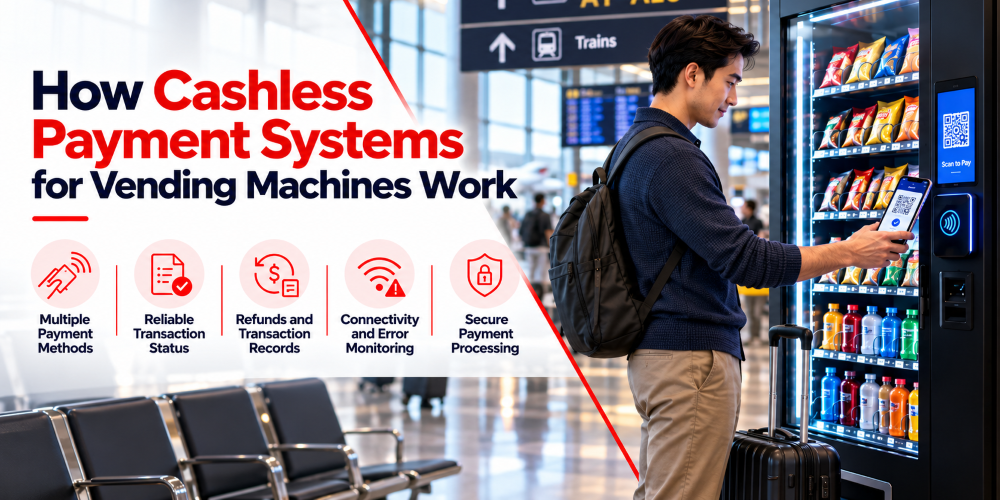
Hardly anyone carries coins anymore. You walk up to a vending machine, dig around in your pocket, and come up with a receipt and a mint. Cashless payments fix that. Tap a card or phone, and you’re done in a couple of seconds.
For operators, it goes beyond customer convenience. A good payment setup makes sales easier to track, and it gives you a way to work out what went wrong when a purchase fails. Let’s explore how these systems work and what to think about before you pick one.
What Is a Cashless Payment System for Vending Machines?
It lets customers buy from a vending machine without touching physical money. They might tap a bank card, use a mobile wallet, or scan a QR code, depending on what the machine supports.
Three pieces make it work.
The payment terminal, or reader, is the bit customers actually use. It takes the card or phone and passes the transaction details along. The machine controller runs the machine itself. Once it hears the purchase is approved, it releases the product.
The payment provider processes the transaction and tells the machine whether it was approved or declined. Then, it deals with moving the money to the operator.
These three have to talk to each other properly. If the provider approves a payment but the controller never gets the message, a customer can lose money and walk away with nothing. So compatibility matters as much as which payment methods you offer.
What Types of Cashless Payments Can Vending Machines Accept?
What you can offer depends on a few aspects, including your machine, and the country you operate in. Some setups take contactless cards only. Others cover several methods.
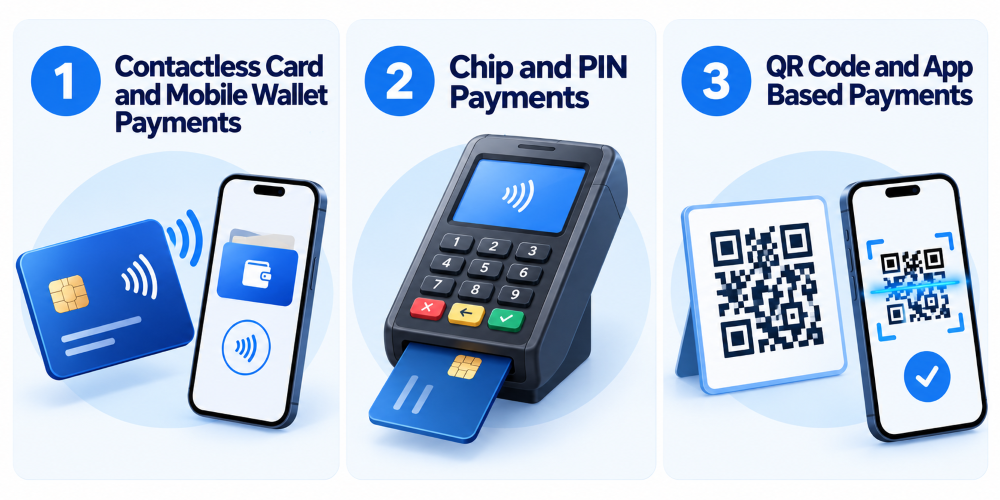
Contactless Card and Mobile Wallet Payments
This is the easiest option for most people. Tap a bank card on the reader and wait for the confirmation. Then, they get what they need. Mobile wallets like Apple Pay and Google Pay work the same way from a phone or smartwatch.
Let’s think of someone grabbing a drink on a short break. Not having to search a wallet for the right card saves a few seconds, and those seconds are exactly why people choose a vending machine in the first place.
Operators handle less cash too. The terminal does need to support the right methods, and transaction fees still apply.
Chip and PIN Payments
Some terminals take chip cards. The customer inserts the card, and the reader communicates with the chip. Depending on the terminal and local rules, they might also need to enter a PIN.
That suits markets where chip cards are the norm, or customers who simply prefer a physical card. Not every vending terminal supports it, though, so the person needs to check before buying. Machines are built for quick purchases, and a messy payment flow will annoy people. Pick whatever your customers already use, with as few extra steps as possible.
QR Code and App Based Payments
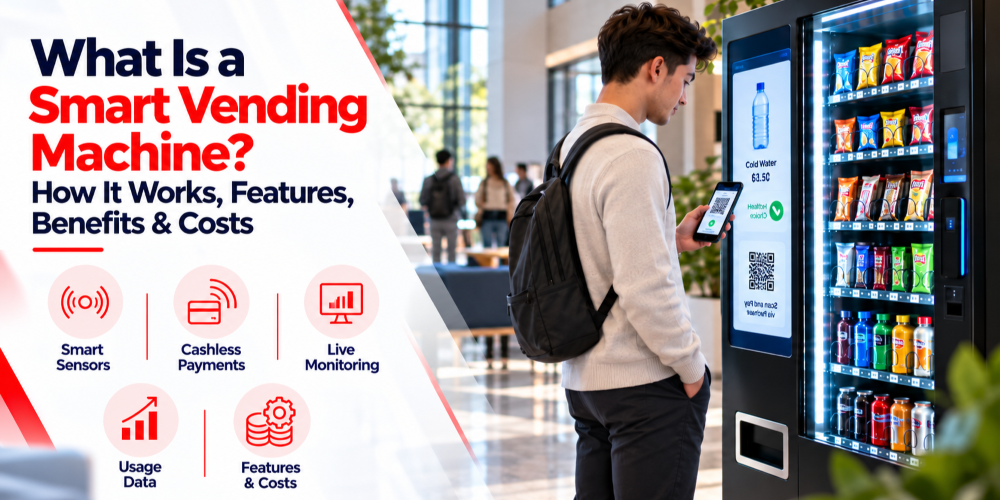
With QR payments, the customer scans a code on the machine or its screen. This little step automatically sends them to a payment page or opens a supported app. This is where they confirm the purchase.
Some operators build their own app, so customers can pick a product, pay, and get confirmation before the machine releases anything.
The key point is confirmation. Scanning a code or opening an app doesn’t prove anyone has paid. The machine should only dispense after the payment system confirms the transaction is valid.
These methods work well where people already use local digital payment services, but they need a solid connection and a plan for payments that get stuck halfway.
How Does a Cashless Vending Machine Transaction Work?
The customer sees a few seconds of tapping. Behind the scenes, the machine confirms the price, waits for the payment result, and releases the product without losing track of the sale.
Selecting a Product and Starting Payment
It starts when a customer picks a product. The machine shows the price and passes that amount to the terminal or app. Then the customer taps, inserts a card, or follows the QR or app steps.
The machine and the payment system have to agree on the amount. That matters more than it sounds when a machine sells items at different prices or lets people pick several things at once.
Payment Authorization
The terminal sends the transaction to the provider, who checks it and sends back an approval or decline. A decline should produce a clear message and a chance to try another method. An approval lets the machine move on to dispensing.
One thing trips up plenty of new operators. Authorization is not the same as getting paid. It means the transaction was approved. Settlement, where the money actually lands in your account, happens separately on the provider’s schedule. So when your bank deposits don’t match your machine sales right away, that’s usually timing, fees, or refunds, not missing money.
Product Dispensing and Transaction Confirmation
With a valid approval, the controller releases the product, and the system records the result. Things can still go wrong here. A product sticks, a slot runs empty, or a mechanism fails.
When that happens, the system needs to deal with the payment properly. Depending on the status, that could mean releasing an authorization, reversing the transaction, or issuing a refund. They’re different actions, and which one applies depends on whether the payment was only authorized or fully completed.
A good setup also stops a customer from being charged twice if they retry after a slow response. Accurate records let you sort out complaints without relying on what the customer remembers.
What Features Should a Cashless Vending Payment System Support?
A terminal that accepts cards is just the starting point. You also want clear communication with the machine, useful records, and a way to spot problems early.

Multiple Payment Methods
Offer what your customers actually use where your machines sit. For some operators, contactless cards and mobile wallets cover everything. Others need chip cards, local payment apps, or QR codes too.
Paying for options nobody touches is a waste, but offering too few will cost you sales. Look at your customers and local habits first.
Reliable Transaction Status
The terminal and controller need a dependable way to share updates. The machine has to know whether a payment was approved, declined, or left hanging because of a communication problem.
This matters most when the connection drops or a response shows up late. The system shouldn’t dispense for an unconfirmed payment, and it shouldn’t charge the customer again by mistake. Clear statuses also make support easier. When someone says their purchase failed, you can see whether it was declined, approved, or interrupted.
Refunds and Transaction Records
Failed purchases happen, so you need a practical way to look into them. Records should include the machine, the transaction reference, the amount, the time, and the outcome, as far as your system and provider allow.
Those records help you compare machine sales with payment reports, investigate complaints, and notice when one machine or terminal keeps causing trouble. Know how refunds work too: how you start one, how long it takes to show on the customer’s account, and how it appears in your books. Some systems give you a dashboard for this. Others make you go through the provider.
Connectivity and Error Monitoring
If a terminal loses its connection to the provider, customers can’t pay. The same goes for a faulty reader or a broken link between the terminal and the controller.
Monitoring tells you about these problems before a customer does. Depending on the system, you might get alerts for disconnected terminals, network trouble, or repeated payment failures. That’s a big help when your machines are in different buildings. Check what your platform can actually detect, since some only report whether the device is connected and others give detailed transaction diagnostics.
Secure Payment Processing
Security depends on the terminal, the provider, how things are configured, and how well you maintain it. Use approved hardware, follow the provider’s setup instructions, and keep software and firmware up to date. Limit access to payment settings to authorized staff.
For card payments, find out which PCI DSS requirements apply to your setup. It depends on how you accept and process payments. A good provider helps clarify that, but using a third party doesn’t wipe out every responsibility you have.
How Do Cashless Payment Systems Integrate With Vending Machine Software?
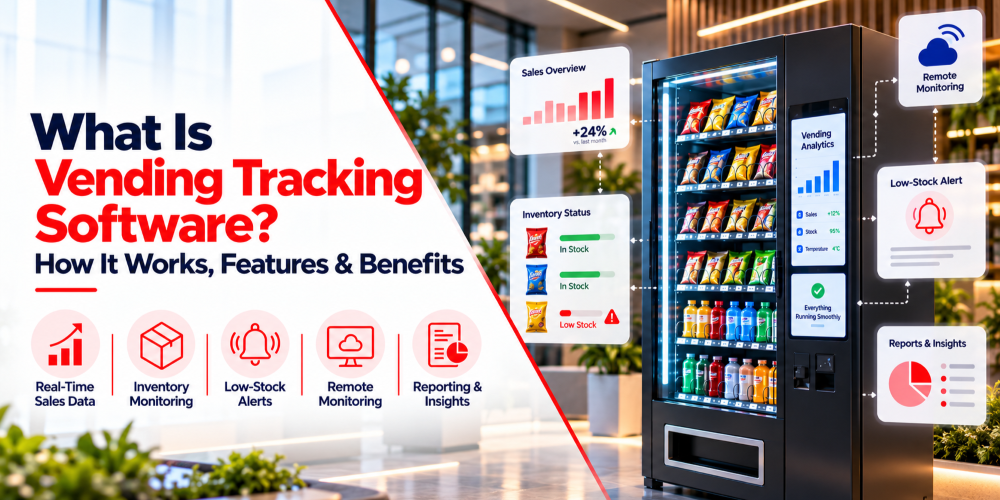
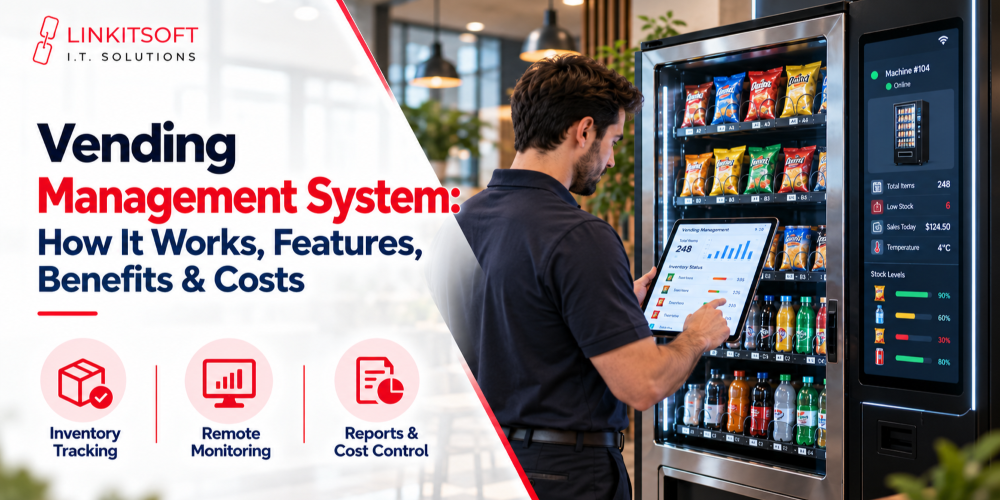
Payment systems get far more useful when they connect to your vending management software. The terminal handles the payment, the controller handles selection and dispensing, and the software pulls the useful bits into one view.
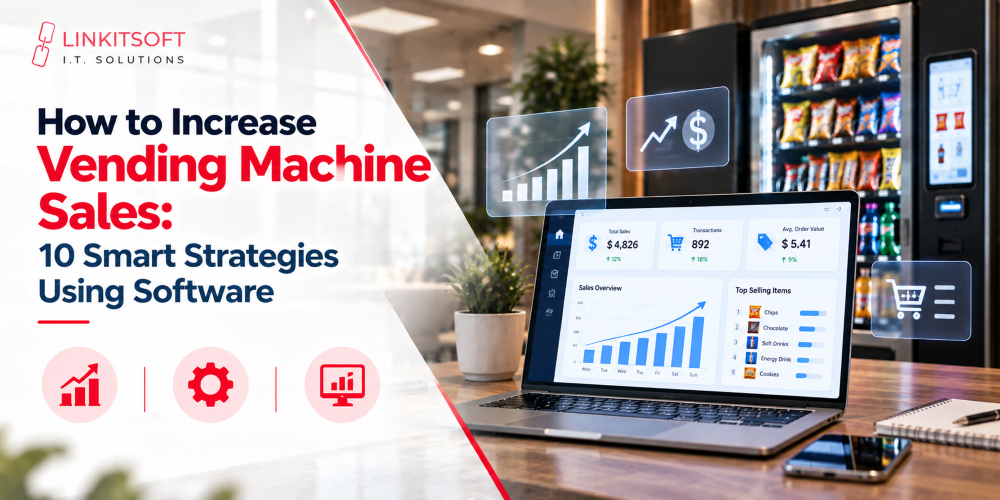
You might see sales by machine, compare totals, watch connected payment devices, and spot machines with repeated failures. If your software tracks inventory too, sales data helps you decide what to restock.
Picture a business running machines in several office buildings. One machine starts selling less than usual. Instead of driving out blind, the operator checks its transaction history and status first. Maybe demand is low, a slot is empty, the terminal dropped offline, or a payment error keeps repeating. Each one needs a different fix, so having that information first saves a wasted trip.
Integration also spares you from juggling several dashboards. You won’t always have to check the provider’s site for one set of numbers and your vending platform for another.
It doesn’t happen automatically, though. The controller, terminal, and software all have to be compatible, and the provider has to support the connection. Some systems come with ready made integrations. Others need custom work or extra hardware. Confirm all of that before you spend money.
What Should Operators Consider When Choosing a Cashless Payment System?
A terminal that suits one vending business can be a poor fit for another, so start with your own situation.
Check machine compatibility
Can the terminal connect to your controller, and do you need extra hardware or software? This matters most when you’re upgrading older machines.
Look at payment methods
Which cards, wallets, and local services do customers in your market use? Choose based on that, not on the longest feature list.
Think about connectivity
Does the system need a constant connection? What happens when it drops? Offline payment support varies a lot, so understand the risks and limits before you lean on it.
Compare fees and settlement terms
Ask about extra charges, settlement schedules, refund costs, and reporting fees, not just the headline rate. Small differences add up across many machines.
Plan for growth
With several machines, centralized reporting, remote monitoring, and easy access to transaction records are worth having. Good customer support matters too, because a payment fault can stop a machine from earning anything.
Before you decide, ask the provider how they handle failed dispensing and terminal disconnections. A demo rarely shows these, but you’ll run into them once machines are out in the real world.