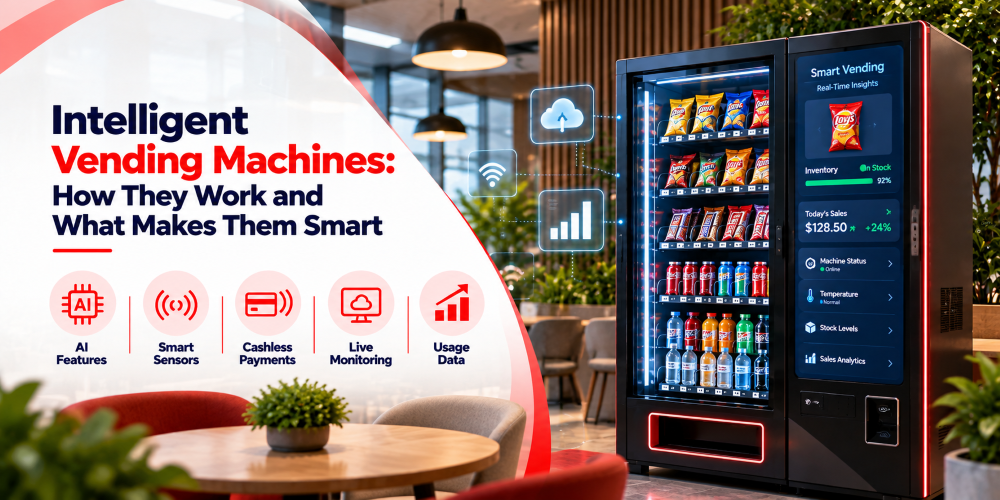
Most vending machines are simple. Someone picks a product, pays, and the machine drops it. Intelligent ones do all of that and also tell you what’s going on inside. They report sales, flag faults, and show you stock levels, so you don’t have to drive to every location just to find out something broke. Here’s how they work and what to think about before you buy.
What Is an Intelligent Vending Machine?
It’s a regular vending machine paired with software that tracks sales and all other necessary details. Depending on the model, it might use sensors to spot stock changes and also be connected to a payment system. Along with that, it can also have cloud software that sends everything to a central dashboard.
The real difference is what you can see and manage as the operator. With a traditional machine, checking stock or chasing down a fault often means a visit. An intelligent machine reports certain details remotely, so you can tell what’s happening without checking each one in person.
They suit operators running machines across offices, hospitals, campuses, and transport hubs. Small businesses can use them too. The benefit depends on which features they actually use.
How Do Intelligent Vending Machines Work?
A few parts work together. The controller runs the basics, and connected software helps you make sense of it. Let’s understand this properly.
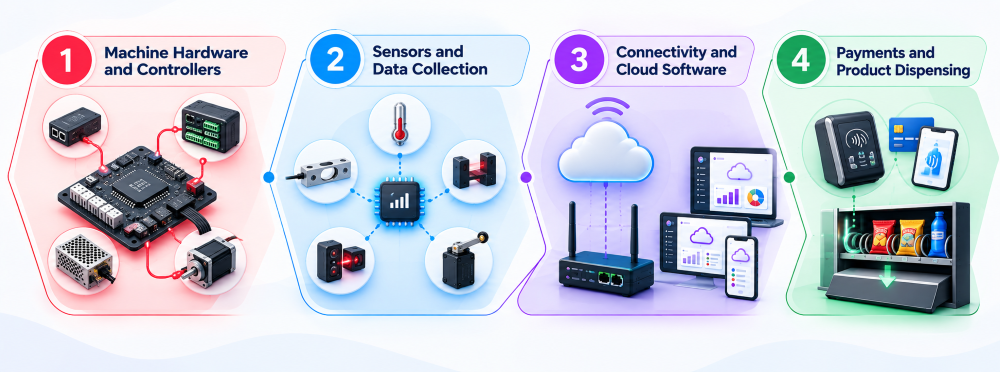
Machine Hardware and Controllers
The controller coordinates the machine’s main functions. When a customer picks a product:
- It processes the selection
- Checks conditions
- Manages dispensing
- It also communicates with the the payment terminal, sensors, and display
Take a bottle of water paid for by card. The controller has to get the payment confirmation before it lets the mechanism release the bottle. If the bottle sticks or something faults, the system can log an error for the operator to look into. On more advanced machines, this local system links up with management software, which shares the status of sales and equipment, and other supported details with you.
Sensors and Data Collection
Sensors catch changes you’d otherwise have to check by hand. What’s available depends on the machine and what it sells. Some estimate how many products are left in a slot. Others detect door openings, watch internal temperatures, or report dispensing problems.
Temperature monitoring matters most for refrigerated machines. If the temperature drifts outside the set range, you can get an alert and deal with it. Not every machine has all of this, though. A machine that records sales and payments may have no way to measure exact stock. Check what your hardware can really collect, rather than assuming every intelligent machine gives you complete inventory visibility.
Connectivity and Cloud Software
Collecting data at the machine is only half of the whole thing. The machine also needs a way to send that data to you. Now, it’ll do this over WiFi or cellular. In some cases it might use Ethernet, too. It then lands on a cloud based management platform where you can review reports and status.
Picture ten machines in ten different office buildings. Without connected software, you’d visit each one or phone someone on site to learn whether it needs restocking or has stopped working. A connected platform puts the available information from all ten in one place.
Not every problem can be diagnosed remotely, and it’s not even important that it would be instant. Reporting speed depends on your connection, hardware, and setup. Even so, having it in one place helps you decide what to deal with first.
Payments and Product Dispensing
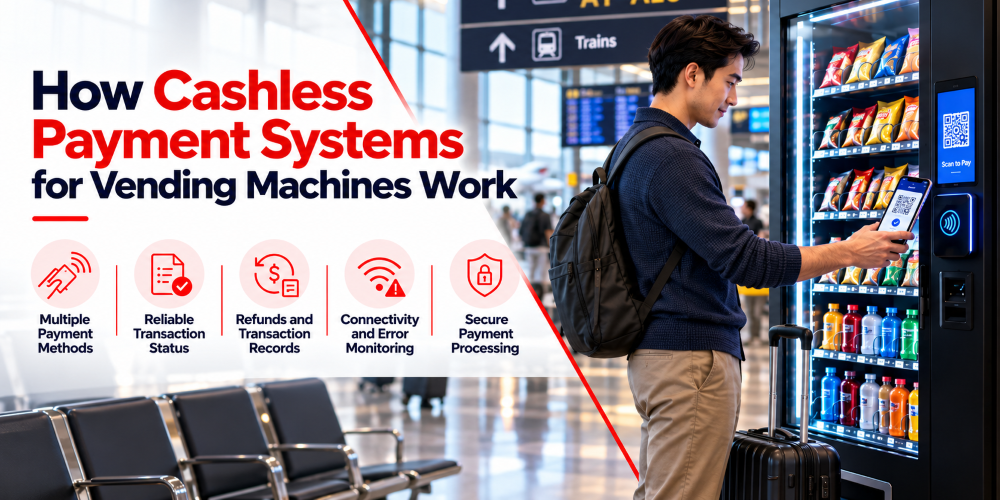
These machines can take cash, contactless cards, mobile wallets, and whatever else the installed payment system supports. The customer picks a product, the machine shows the price, and the payment starts. The terminal or app processes it, the machine gets the status, and once approved, the controller releases the product.
The sale gets recorded and stock information updates. If the machine is connected, that feeds your sales reports and restocking plans.
Failures still need good handling. A payment can go through while the product jams. A well designed system records the problem and gives you a way to investigate and sort out the refund or reversal. The aim isn’t just taking digital payments. It’s making sure payment, dispensing, and reporting all work together.
What Makes a Vending Machine Intelligent?
Connected hardware is only useful if you can do something with what it tells you. It matters a lot whether if that data is correct.
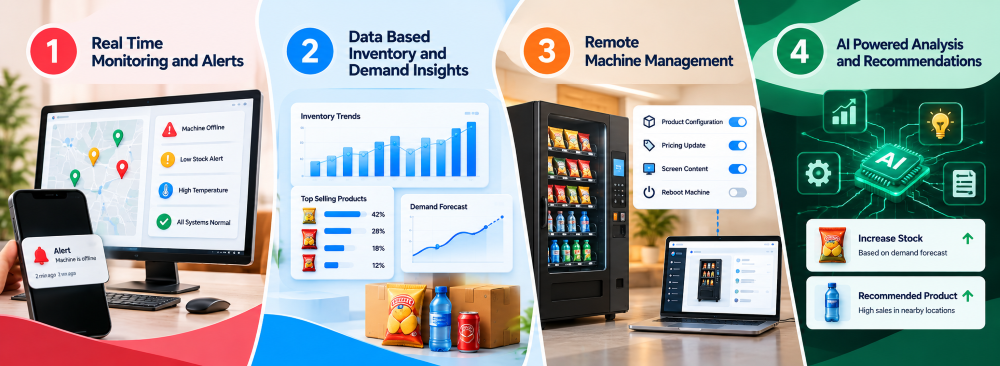
Real Time Monitoring and Alerts
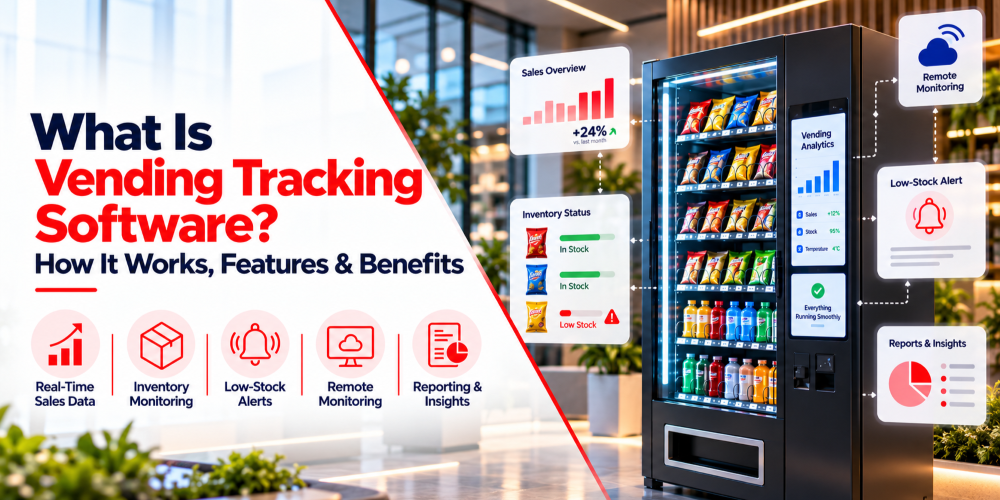
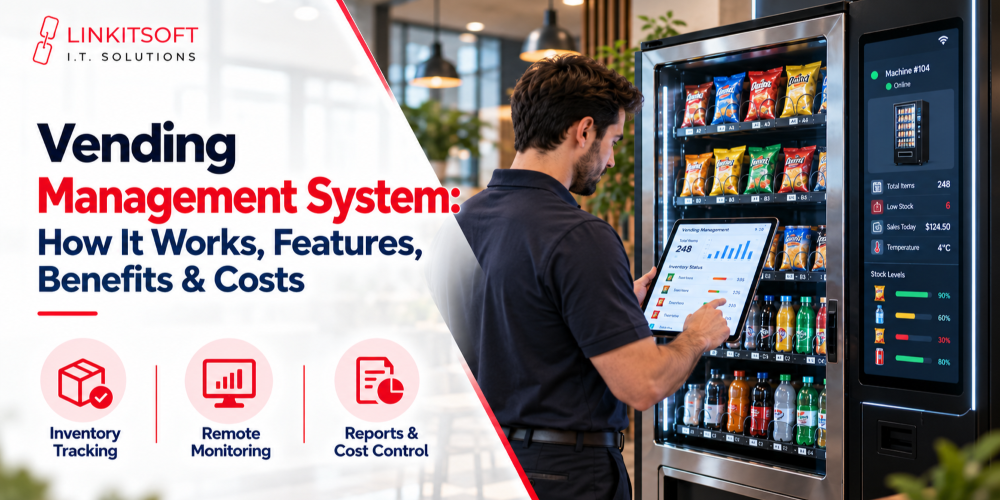
Remote monitoring shows you machine conditions without a visit for every check. Your dashboard might show whether a machine is connected and whether a fault has been reported. With the right sensors, alerts can cover low stock or dispensing problems.
If a machine in a busy hospital runs out of water suddenly. A low stock alert lets you arrange a restock before it sits empty for long. An alert that a payment terminal went offline lets you act before more customers run into it.
The catch is that an alert is only as good as the data behind it. A system can’t report something its hardware doesn’t detect, so find out exactly what your setup monitors.
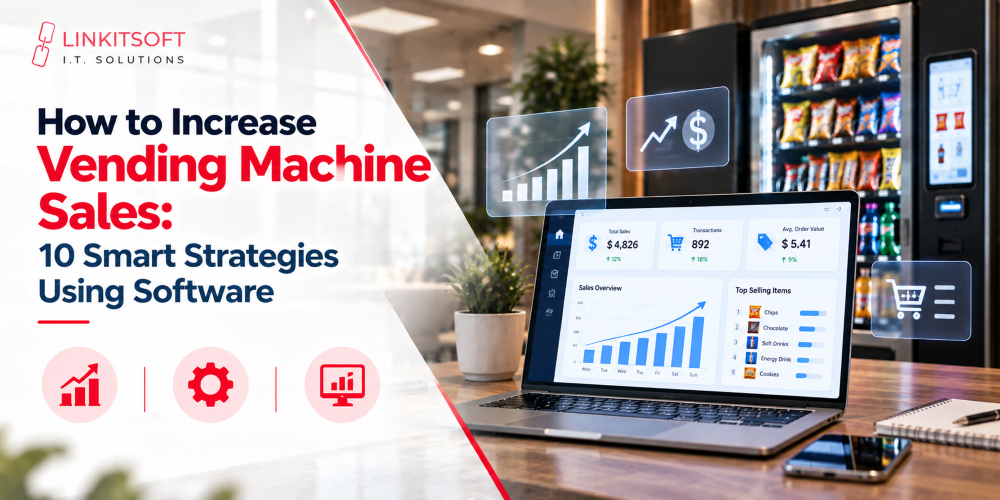
Data Based Inventory and Demand Insights
Sales and stock data help you decide what to carry and when to restock. A gym machine might sell more water in the evening, while an office machine would be selling coffee and snacks during working hours. Comparing the two lets you customize both machines accordingly instead of filling them all the same way.
That cuts excess stock and makes restocking trips worth the drive. Over time, the history can show seasonal shifts and changing tastes.
Some systems use past sales and stock data to estimate future demand. Treat those estimates as guidance, not promises. They’re less reliable when a machine has little history or demand suddenly changes. Judgment still matters too. A slow seller might be worth keeping if it serves a real need, and a popular item can still lose money if it costs too much to buy.
Remote Machine Management
Remote management lets you handle some settings through a platform instead of visiting each site. Depending on the system, that could be updating prices, reviewing sales, changing product settings, or checking status.
If you want to change the price of a popular snack across several machines, you might do it centrally rather than driving to each one. Some systems also support remote troubleshooting or software updates, depending on hardware compatibility and permissions. That’s a real saving when machines sit across several buildings or cities.
There are limits. Repairs, refills, hardware swaps, and physical inspections still need someone on site. The point is fewer unnecessary trips, not zero work.
AI Powered Analysis and Recommendations
Some platforms use AI to study your sales, spot patterns, and help plan inventory. Instead of combing through reports, you might get suggestions based on product performance, past sales, or shifts in demand. A platform might notice one drink sells better on hot days, or that a product keeps underperforming at one location, and suggest adjusting stock or reviewing the range.
AI can also help forecast demand, but the quality depends on how much data you have, how accurate it is, and how well the model fits your business.
It helps to separate AI supported suggestions from machines that run themselves. A platform that analyzes sales and recommends a stock change can’t necessarily make that change or place an order on its own. That takes the right software functions and sometimes your approval. For many businesses, accurate reporting and reliable monitoring are the best place to start. AI adds value once you have enough good data behind it.
Intelligent Vending Machines vs. Traditional Vending Machines
The big difference is how much information you can reach and what you can manage remotely. Traditional machines sell reliably, but they lean on physical checks. Intelligent machines give you more visibility when the connected hardware and software are in place.
| Capability | Traditional Vending Machine | Intelligent Vending Machine |
| Sales records | May rely on local counters or basic reports | Can send sales data to a central platform |
| Inventory tracking | Often requires manual checks | May use connected stock data or sensors |
| Machine monitoring | Usually depends more on physical inspections | Can report supported status information remotely |
| Payment options | Depends on the installed payment hardware | Can support connected payment methods where compatible |
| Restocking decisions | Often based on routine visits and staff observations | Can use sales history, stock data, and alerts |
| Remote management | Usually limited | May support remote price changes, settings, and troubleshooting |
| Data analysis | Basic reporting may be available | May include trends, forecasts, and AI supported recommendations |
| Setup and maintenance | May require less connected technology | Can involve additional hardware, software, connectivity, and support costs |
None of this is absolute. A traditional machine might already have a cashless reader or basic remote monitoring, and an intelligent one might offer only a few connected features. What you get depends on the controller, sensors, payment hardware, and software installed.
What Should Businesses Consider Before Adopting Intelligent Vending?
More technology isn’t automatically better. Start with the problem you’re trying to fix and what the setup will really cost.
Machine Compatibility
If you own machines already, check whether their controllers can support the software and connected features. An upgrade may be possible, though older machines might need extra hardware or won’t support certain functions.
Connectivity and Sensors
Machines need a suitable connection to share data, and the hardware has to detect what you want to monitor. If accurate stock tracking matters, find out exactly how the system measures inventory instead of trusting a general claim about automatic tracking.
Choose Features to Your Business Needs
Look at the sales reports, alert settings, inventory functions, payment options, and remote tools. If you run several machine types, confirm they can all sit on the same platform.
Count Costs Beyond The Machine
You may pay for sensors, payment terminals, installation, software subscriptions, mobile data, integration work, and ongoing support. Upgrading existing equipment can cost less than replacing it, depending on its condition and compatibility.
Think About Reliability
Sensors fail, connections drop, and wrong product records produce misleading reports. Staff still have to verify issues, refill machines, and look after the physical equipment. A clear support arrangement and regular checks keep the technology useful over time.